12
USING THE Sky Walker - CHARGED AND READY
Step 1. Place your
Sky Walker on the floor, keeping in mind you should be using a smooth and
flat surface. Find a suitable place to practice using the SKY WALKER.
We recommend an open flat area with a few metres in each
direction. The area should be free from obstructions and distractions.
Step 2. Press the POWER button of the Sky Walker, located on
the front edge of your Sky Walker next to the charging port. The
Sky Walker should beep, indicating that it has been powered-on.
Step 3. Check the Display Panel. The Sky Walker should display a
green Battery Icon and Operating Icon when it is ready to ride.
TROUBLESHOOTING: If you see a red Battery Light, please
recharge your Sky Walker. If the Sky Walker emits a series of
warning beeps, the Sky Walker is not in its correct starting position.
Please turn the Sky Walker off and place on a smooth surface as
well as checking that the SKYWALAKER’s wheels and panels are
even and unobstructed. Repeat Step 2.
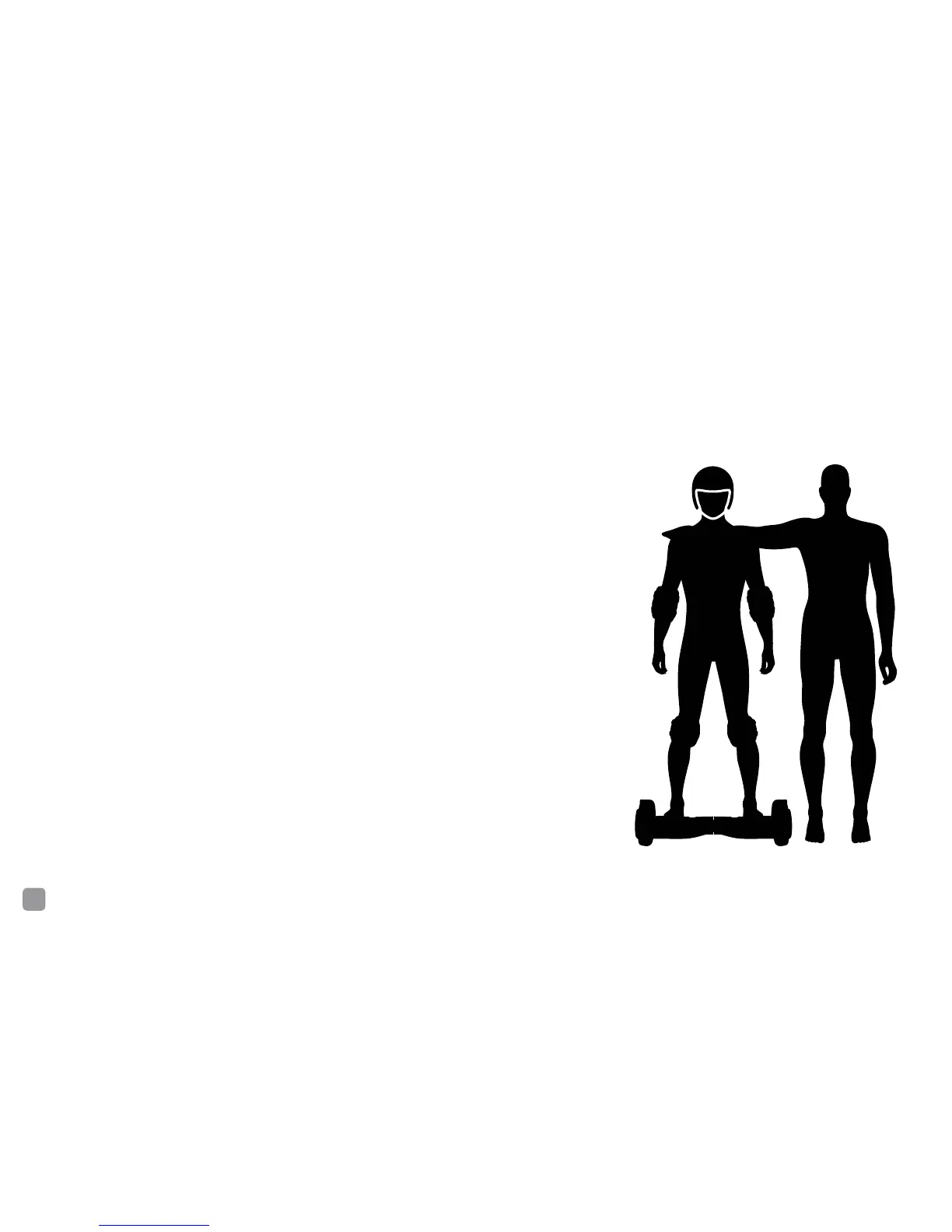
Step 4. Put on your Safety Gear.
Step 5. Grab your buddy! Your spotter should stand facing you, in
front of the Sky Walker. Ideally, you will step on to the Sky Walker
and be able to use their arms or shoulders as support to centre
your balance
Step 6. Stand directly behind the Sky Walker and make sure your
spotter is ready for you to step on to the Sky Walker.



 To Next Page