MENU CONTROL
-21-
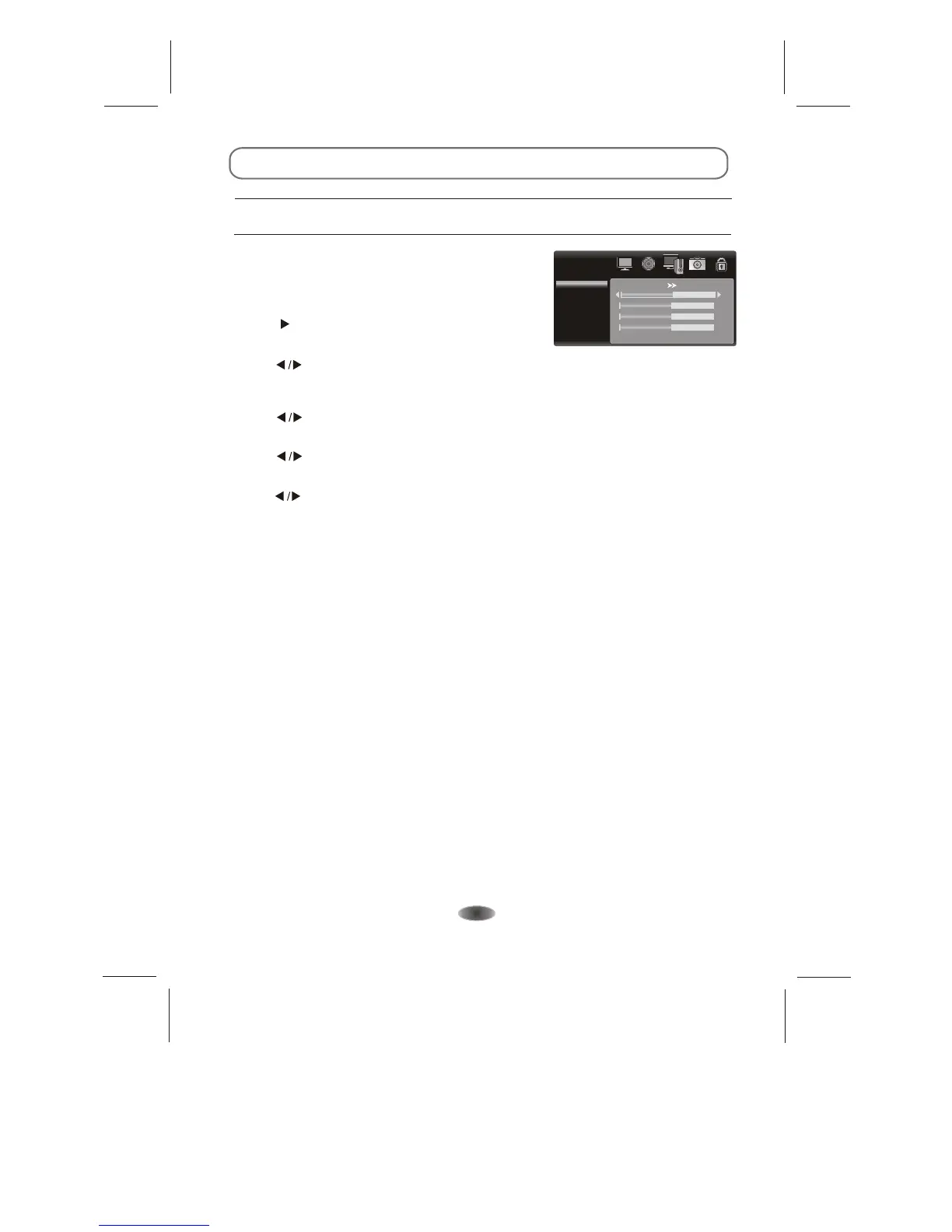
PC Settings
When
"PC", the
settings manually
buttons
buttons
buttons
buttons
buttons size
you connect VGA cable to the jacks of PC and
select the signal source as screen menu will
be activated. You can use the function to adjust the
display automatically or .
1.AUTO ADJUST
Press " " to auto adjust PC size and position.
2.H. Position
Press " " to adjust the H-Position of the
television.
3.V. Position
Press " " to adjust the V-Position of the television.
4.Phase
Press " " to adjust the phase of the picture.
5.Size
Press " " to adjust the of the picture.
PC
Auto Adjust
H. Position
V. Position
Phase
Size
50
50
50
50
Note: These settings are only available in PC mode.


 To Next Page