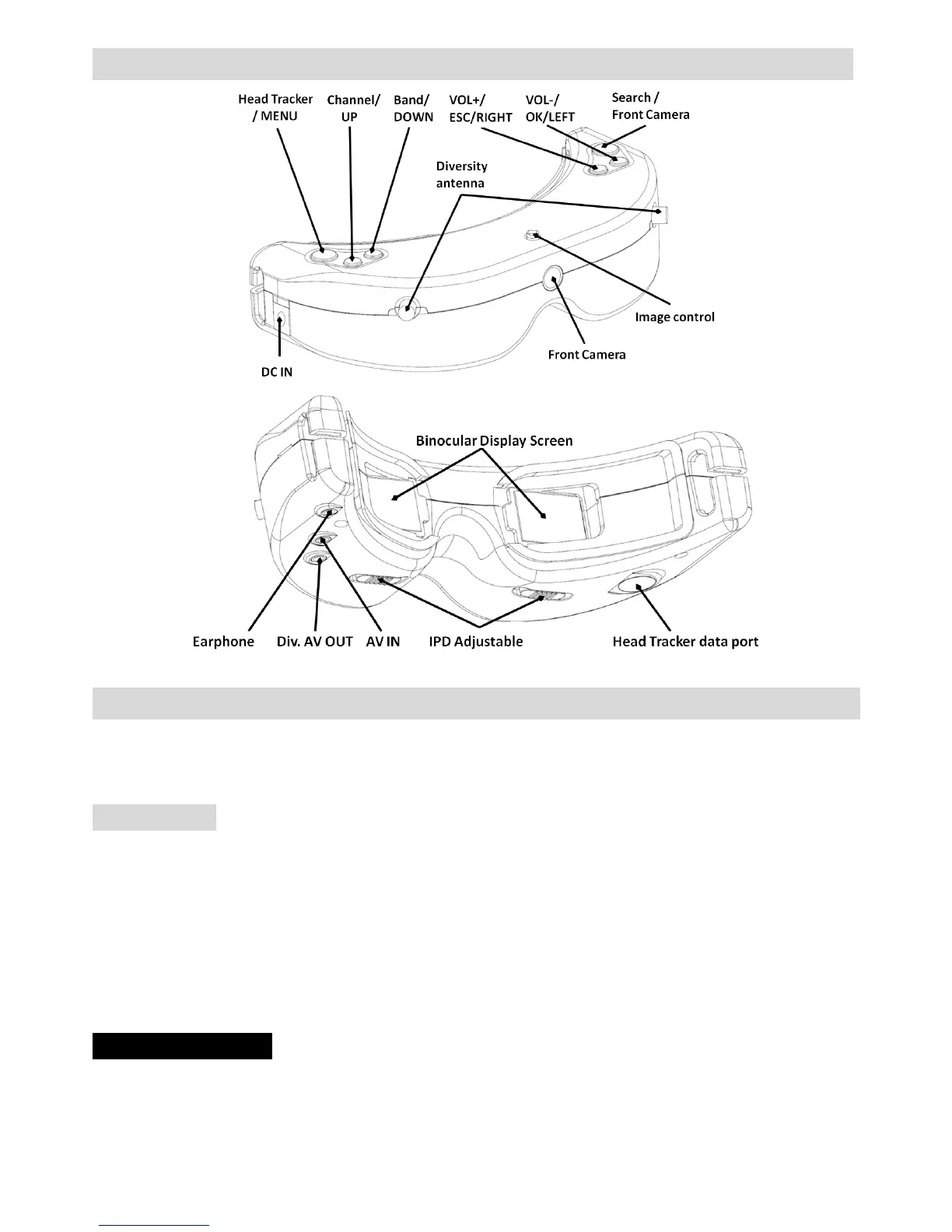
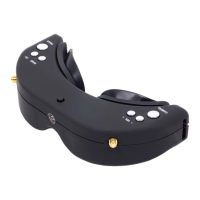
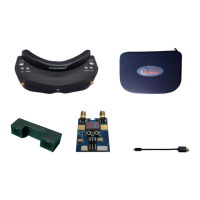
FunctionDiagram
Operation Guide
SKY01S FPV glasses are inbuilt with two 5.8GHz receiving modules, two antenna ports and Binocular Display
modules, 5.8GHz receiving work in diversity mode. supports 6 bands and 48 channels (see the Specifications
Description for details).
Quick Start
Preparation
· Install lens, eyeshade, antenna.
· Connect camera with transmitter properly, power on the transmitter, set proper working channel and then
power on SKY01S FPV glasses.
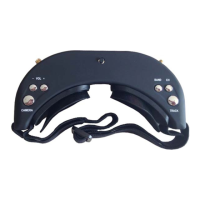
· Press short <BAND/CH> button to adjust channels and keep consistent with the transmitter to view the
images taken by the camera.
· Slide the IPD adjuster to adjust interpupillary distance (IPD).
Channel serach
· Button function.


 To Next Page