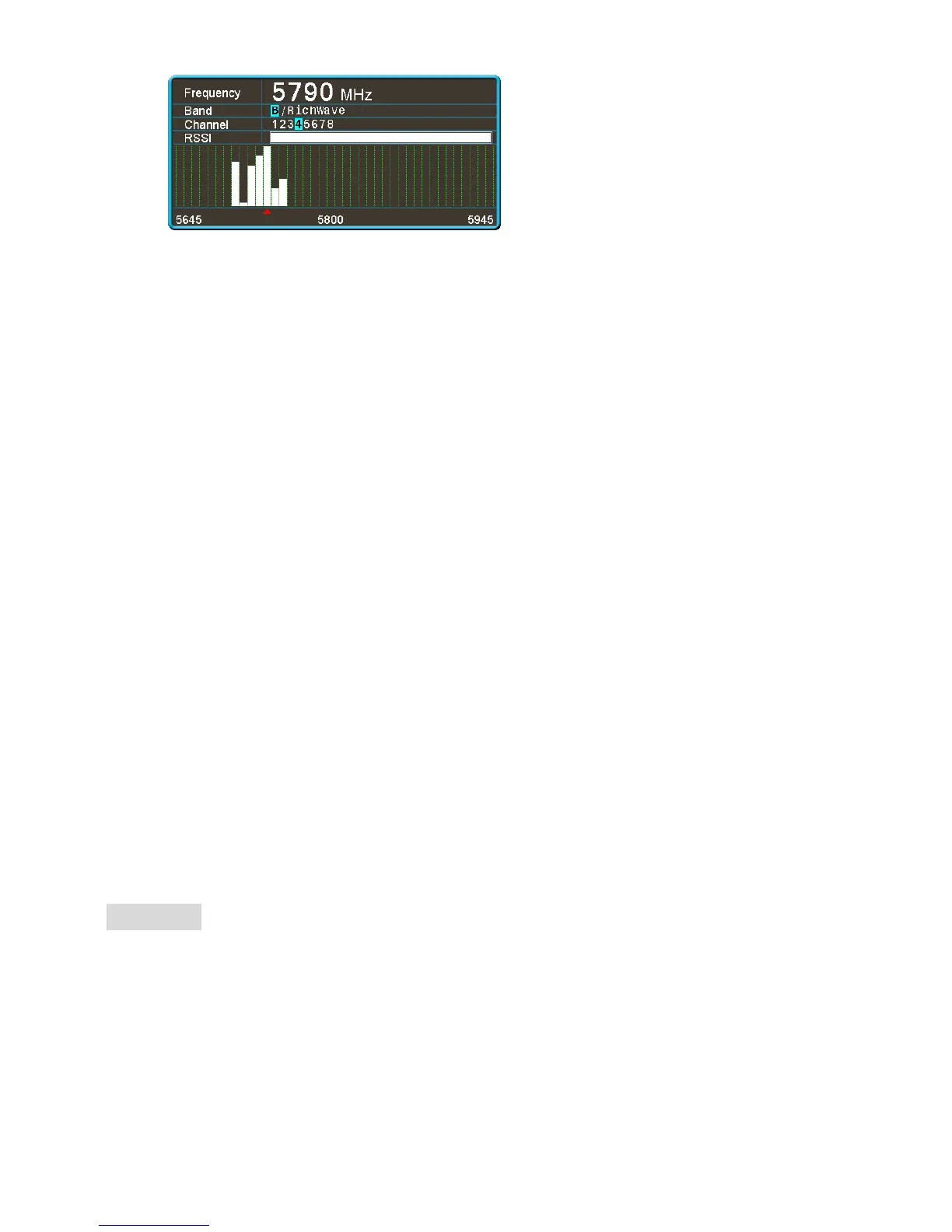
· After exiting from the search menu, the device can work in the current search to the channel.
Functions of Buttons (For the functions of buttons in playback mode, see the description in the “Playback”
section)
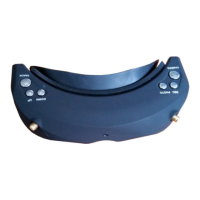
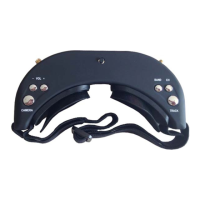
TRACK Button:
· In normal mode, press short to reset the head tracker.
· Hold the Menu button 3s to enter menu setup.
· In menu state, switch 4 main menus with such button.
CHANNEL Button:
· In 3D RF mode, press short to add channels.
· In 2D RF mode, press short to cycle adjust channels.
· In 3D RF, 2D RF, HDMI IN, AV IN or PLAYBACK mode, Long press 3s to turn up volume.
· In menu state, press such button to choose upward.
BAND Button:
· In 3D RF mode, press short to decrease channels.
· In 2D RF mode, press short to cycle adjust bands.
· In 3D RF, 2D RF, HDMI IN, AV IN or PLAYBACK mode, Long press 3s to turn down volume.
· In menu state, press such button for choice.
REC Button:
· In 3D RF, 2D RF or AV IN mode, press short to take videos and again to stop.
· In menu state, press such button to confirm.
· In channel search state, press such button to choose leftward.
PHOTO Button:
· In 3D RF, 2D RF or AV IN mode, in video preview state, press short to take photos.
· In menu state, press such button to exit.
· In channel search state, press such button to choose rightward.
CAMERA Button:
· In any mode, press short to switch to the front view.
· In 2D RF mode, hold such button to search, hold it 3s to enter or exit from the search menu.
RF Mode
3D Mode
· 3D mode is effective only in RF mode and the device may switch automatically to 2D in other modes.
· There are 4 default channels. You may adjust channels with the <UP/DOWN> button; in menu, you
may set RF Band as “Custom”; then choose proper bands and adjust channels properly. (Always use the
“Custom” function carefully, too close frequency may result in mutual disturbance; it is advised the
frequency interval should be about 40MHz).
· Such mode does not support channel search.
2D Mode
· After 3D mode is closed in menu, the device will work in 2D mode and activate the diversity reception;
in 2D mode, in menu, the setup of the other functions under 3D mode will be ineffective.


 To Next Page
 Loading...