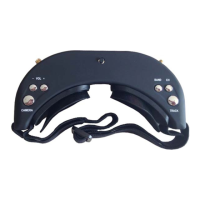
Operation Guide
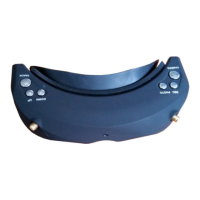
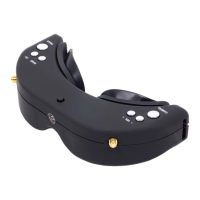
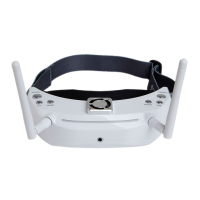
SKY02S FPV glasses are inbuilt with two 5.8GHz receiving modules, two antenna ports and two
independently-working display modules, bringing you 3D FPV flight experience. In such mode, SCAM302 3D
camera and STX202 two-way transmitters need to be provided. The two lens of the 3D camera work in the
parallel manner so that 3D effect can be enhanced for close shot and reduced for long shot, bringing people an
overall vivid visual experience.
SKY02S FPV glasses can also work in routine diversity reception mode. In such mode, it displays common
2D images. Its radio channel and band settings may be compatible with STX202 and other 5.8GHz transmitters,
and in total it supports 5 bands and 40 channels (see the Specifications Description for details).
Quick Start
Preparation
· Install lens, eyeshade, antenna and storage card for FPV.
· Connect SCAM302 camera with STX202 transmitter properly, power on the transmitter, set proper
working channel and then power on SKY02S FPV glasses.
· Press short <UP/DOWN> button to adjust channels and keep consistent with the transmitter to view
the images taken by the camera.
· Slide the IPD adjuster to adjust interpupillary distance (IPD).
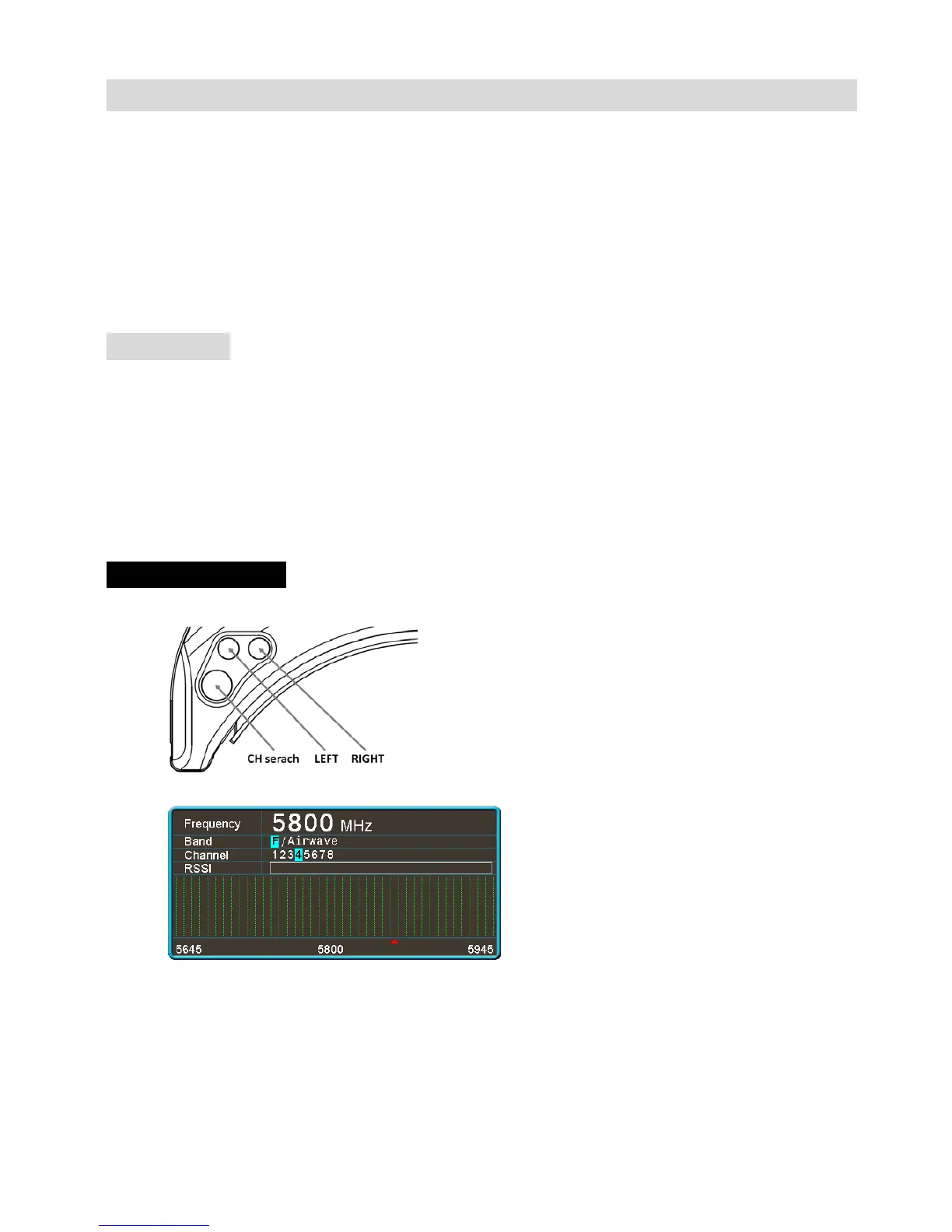
Channel serach
· Button function.
· Long press the <CH Search> button to pop up the channel search menu.
· press the <CH Search> button to execute channel search (repeatable). Channel search is conducted
from low frequency to high frequency. After 40 channels are searched, the device will work at the
strongest channel. The histogram displays the signal intensity of every channel. You may press the
<LEFT> button and the <RIGHT> to choose the desired channel manually. The band, channel and
signal intensity in the place where the triangular indicator stays may be updated in real time.


 To Next Page