Getting Started
Important:
You must ensure your smart device has Bluetooth
®
Smart capability and that it is enabled. For a full list of Bluetooth
®
Smart compatible devices, see www.slendertone.com/compatibility.
1. First, ensure you have internet connectivity, then open iTunes and search for the “SLENDERTONE CONNECT” app ( ).
Download the app and launch it.
2. Next, enable your Bluetooth
®
by opening your smart device’s Settings and turning on “Bluetooth
®
”.
Charge the Battery
1. Your controller’s battery is shipped partially charged. However, when you unpack the
controller, we recommend that you fully charge the battery for a minimum of 3 hours.
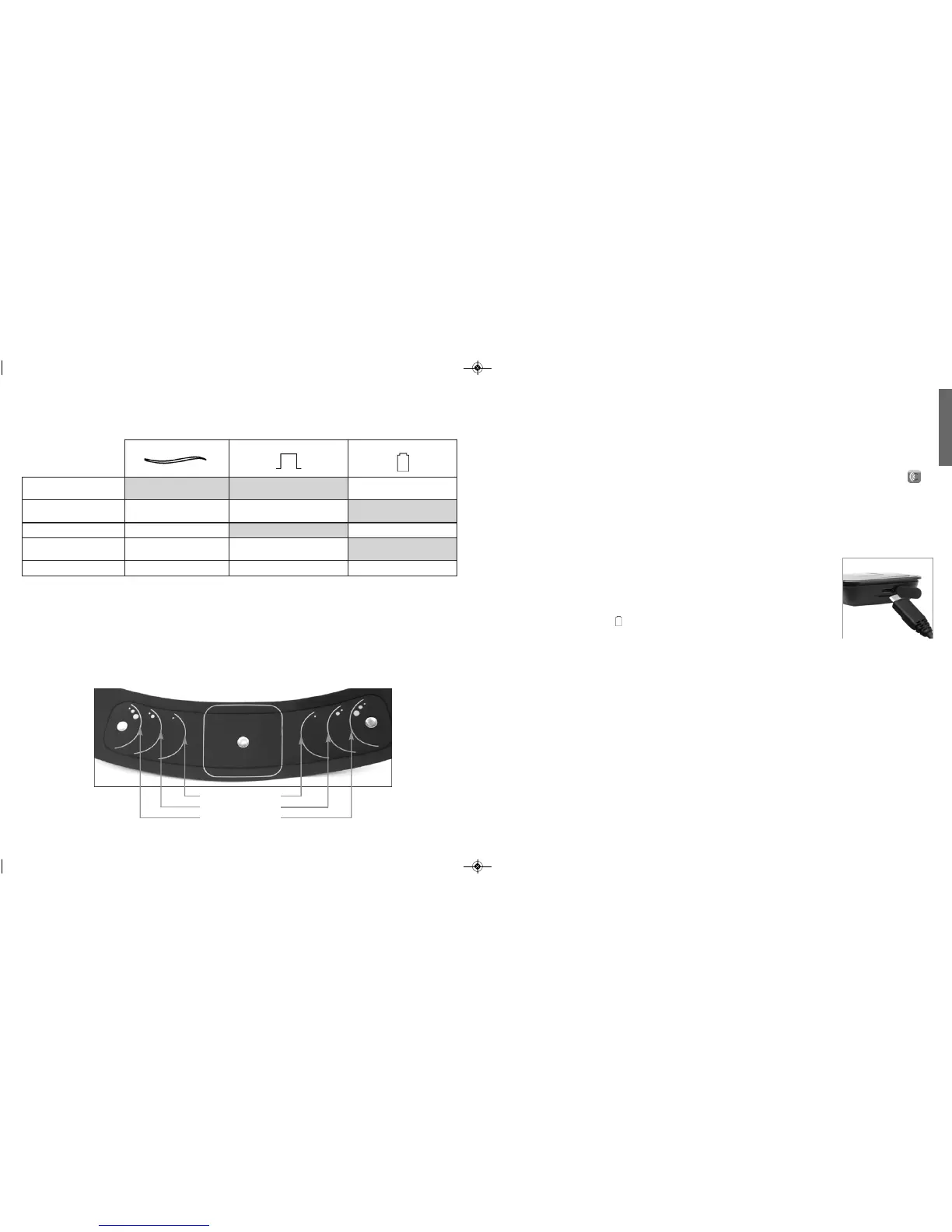
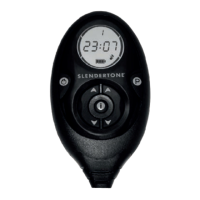
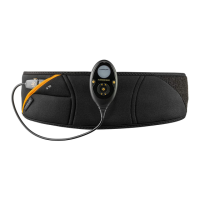
2. To charge the batter y, remove the controller from the belt, connect the USB cable to
the controller (Fig. a) and to a USB charger or your PC. The battery is fully charged
when the battery indicator ( ) glows green. When the battery indicator begins
flashing orange, it is time to recharge the battery again.
Note:
• Ensure your charger plug meets the specifications listed on Page 20.
Register Your Product
You should register your product when you first download the app in order to avail of the complete SLENDERTONE
CONNECT ABS
experience from the outset. Your controller will work prior to registration as it is pre-set with SLENDERTONE’s
‘Essential Toning’ programme and can be operated using the controller buttons. However, this programme cannot be
controlled by your smart device, nor will you have access to the full range of toning programmes or SLENDERTONE
CONNECT ABS functions and support until you have registered your product.
During the registration process, you will be asked questions about your motivation for toning and your activity level. This
data is used to offer you the most suitable
SLENDERTONE CONNECT ABS treatment regime for your needs. You can then set
yourself weekly targets, switch between toning regimen and maintain a record of your progress over time.
Fig. a
24”-31” / 61-79cm
30”-38” / 76-97cm
37”-42” / 94-107cm
Controller Indicators
The controller has 3 indicator lights with various different functions. These are explained here.
* This indicates poor contact between the belt and GelPads or between the GelPads and your skin (see page 14).
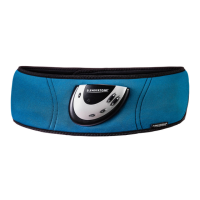
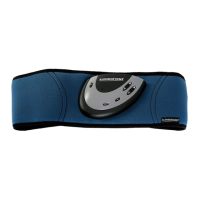
SLENDERTONE CONNECT ABS Belt
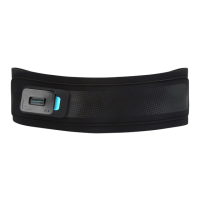
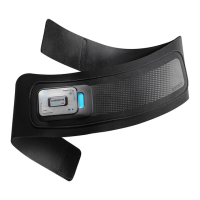
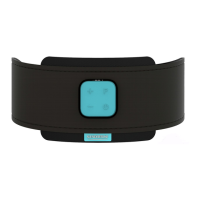
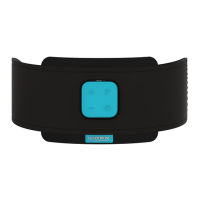
The belt fits a range of waist sizes (24”-42”/ 61-107cm). On either side of the square in the centre of the belt are 3
size indicators. These show the positions in which you should place the 2 oval GelPads depending on your waist
size. For example, if you have a small waist, the two oval GelPads should be placed within the outlines closest to the
square. Use the size guide below to help you identify where to place the oval GelPads to suit your waist size.
Power Indicator Stimulation Indicator Battery Indicator
Constantly On Amber = Battery Charging
Green = Fully Charged
Slow On-Off Controller On On = Muscle Contraction
Off = Relaxation Phase
Slow Flash Programme Paused Amber = Low Battery
Fast Flash Bluetooth
®
Pairing GelPad Contact Error*
Controller Error
Cycles Through All LEDs Updating Controller Software Updating Controller Software Updating Controller Software
98
English


 To Next Page