SETTINGS
To set the date and time, swipe left
on the home screen to access
additional applications. Search for
and select settings. Next click
phone settings. You may now
change,
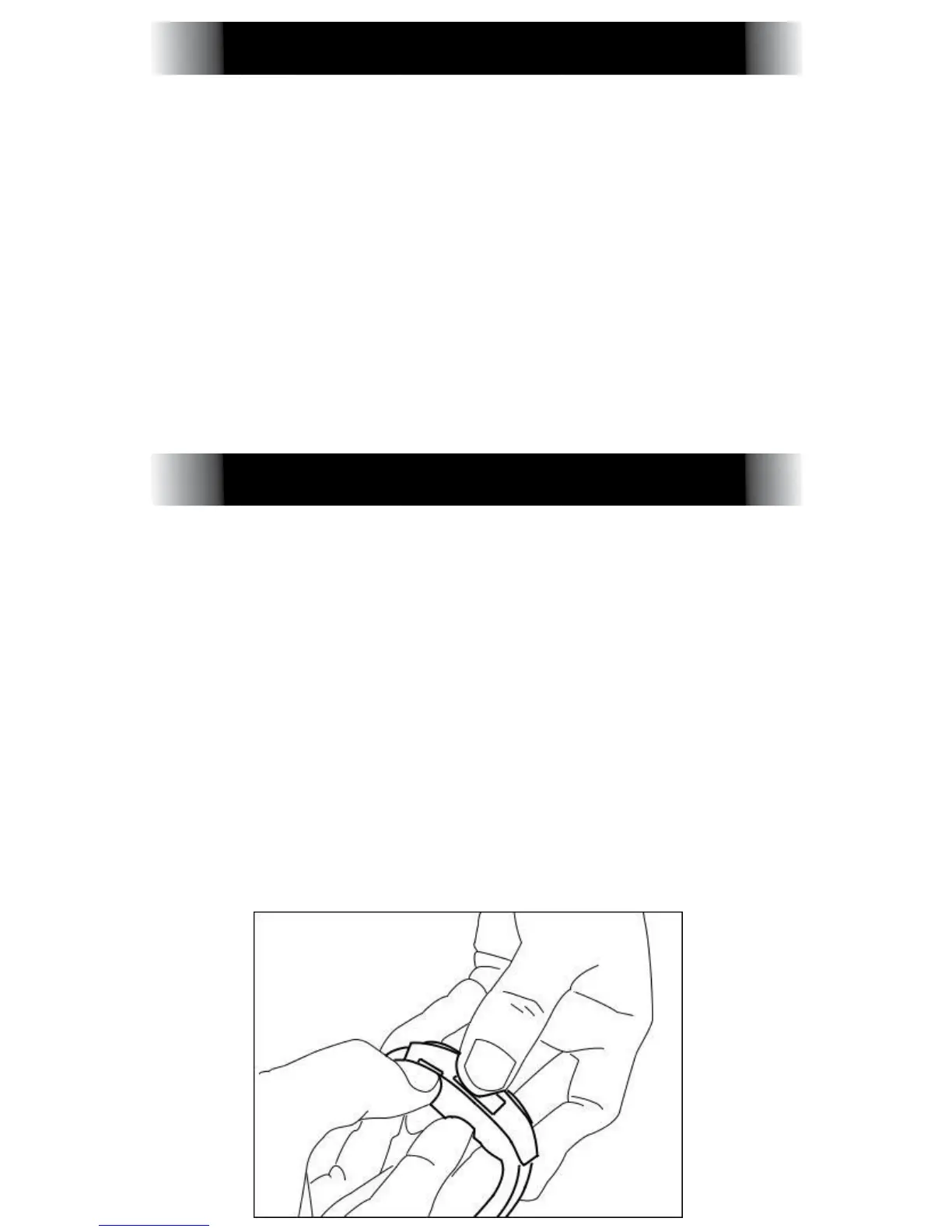
To place or remove the battery pry
the "Housing"(Battery Cover) away
from the back of the watch. and
place the battery inside. Make sure
the battery is aligned correctly.
Place the "Housing" over the newly
installed battery. Note: If you are
having trouble identifying the
"Housing." Please reference the
Product Overview above.
REPLACING BATTERY
1. The date and time
2. Language settings
3. Airplane mode On/Off
________________Battery Cover



 To Next Page