• Please charge the watch for at
least two hours prior to its rst
use.
• If prompted for a password,
enter “1122.” This is the default
password. You can change the
password under Settings, in the
Security Settings menu.
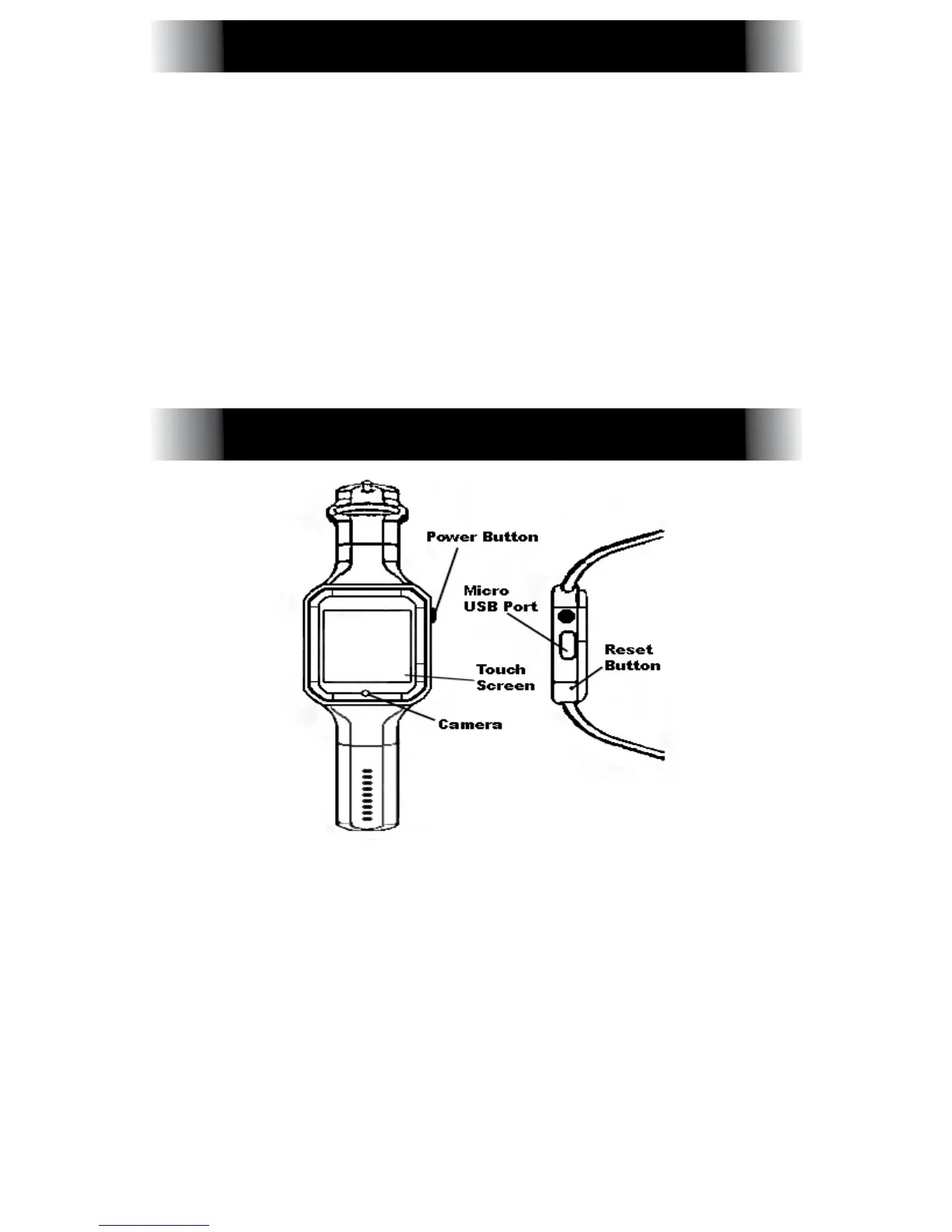
Power Button: Power the watch
On/Off, turn the screen On/Off, or
return to the Main Menu.
Micro USB Port: Charge or transfer
data to/from the device.
Touch Screen: Available functions will
be shown on the touch screen, and
can be controlled by simply touching
them and following the instructions.
SAFETY WARNING
PRODUCT DETAILS



 To Next Page