43
Watching Live TV Using Catch-Up TV
You may use the following options to watch Live TV
If you remember the channel number, simply press the channel number
Use P+ or P- to change channels
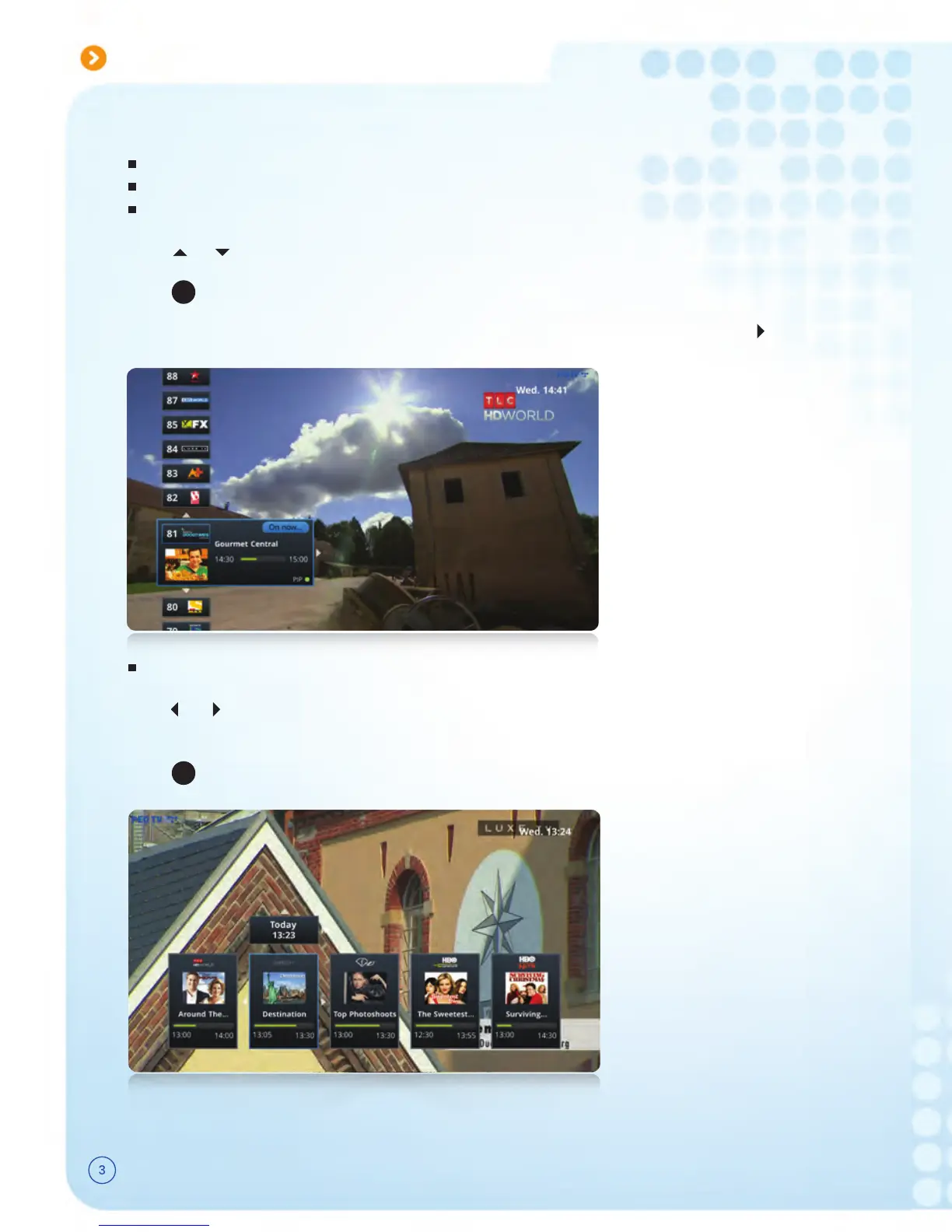
Use “Vertical Guide” as shown below
Option 1 :
Option 2 :
Option 3 :
Option 1 : Use “Channel Universe”
Option 4 : Use the “Horizontal Guide”
button.Note : You may view future programme information of the selected channel by pressing
to switch to the selected channel.PressPre
This feature allows you to watch content/ programmes of past 48 hours. You may use the
following options to watch “Catch-Up TV”. Catch-Up TV enabled channels will be indicated
with a yellow button on Vertical Guide, Horizontal Guide and Programme Guide.
Press button to switch to “Channel Universe” while watching Live TV
Select “Previous” from the top left menu
or buttons to navigate through pastUse orUse
PressPress button to watch the selected prog
ss
OK
Press or to view the channel list without changing the current channel you are watching.
OK
Press to watch the selected channel.
to view ongoing programme information on other channels while watching TV, Press or
without leaving the current programme.
Option 2 : Use “Programme Guide”
Press button to access “Programme Guide”
/ / / buttons to navigate Use /Use Use
PressPress button to watch the selected prog
Option 3 : Use “Vertical Guide”
PressPress button to navigate through recent past programmes of the selected ch
Press
OK
or button to watch the selected prog
Note : You can use “Trick Play” ( Play, Pause, Fast Fwd & Rewind ) functions on Catch-Up programmes.



 To Next Page