5. Software upgrade method
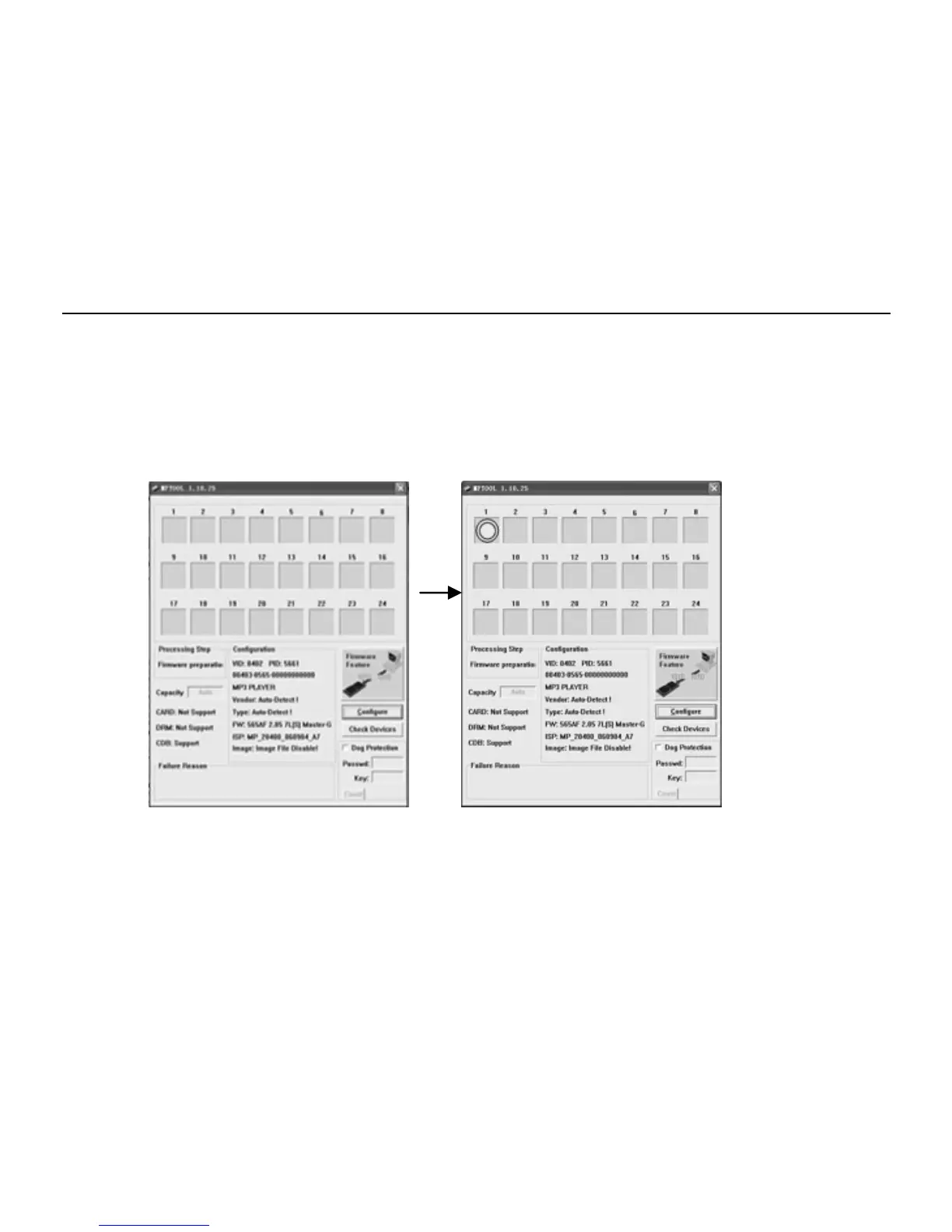
A. Firstly, please find out the “Factory4.exe” progress in the compress bag and then double click the “Factory4.exe” icon.
B. Hold and press the “V+” button and plug the MP3 Player in the PC USB port. Then there will be a yellow ring display in the
NO.1 blank shown as picture 2.
C. Click the “Firmware Feature” to begin upgrade shown as picture 3.
11



 To Next Page