16
Disconnect from Computer
For Windows 2000 or above, please follow “Safely Remove Hardware” procedure on
computer.
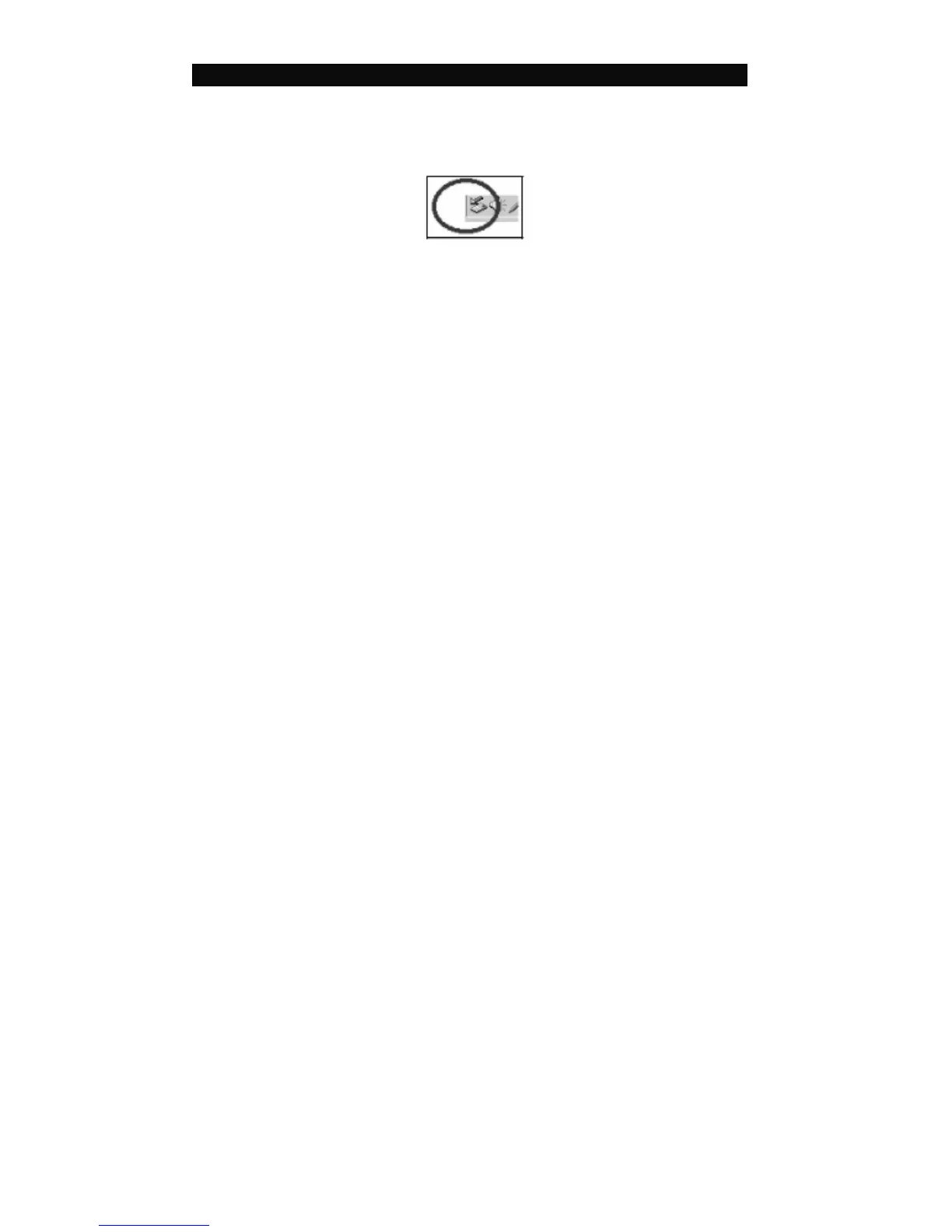
- A “Safely Remove Hardware” icon will be displayed on computer system’s tray as
below diagram.
- Move the mouse over the icon, “Safely Remove Hardware” prompt appears.
- Double click on “Safely Remove Hardware” icon then “Safely Remove Hardware”
windows will be displayed. Select the device to be disconnected and click on “Stop”
button to end the connection between the computer and the device.



 To Next Page