18
- In any mode, long press “►II” to power OFF.
- Press “►II” to start or pause playback.
Menu Selection
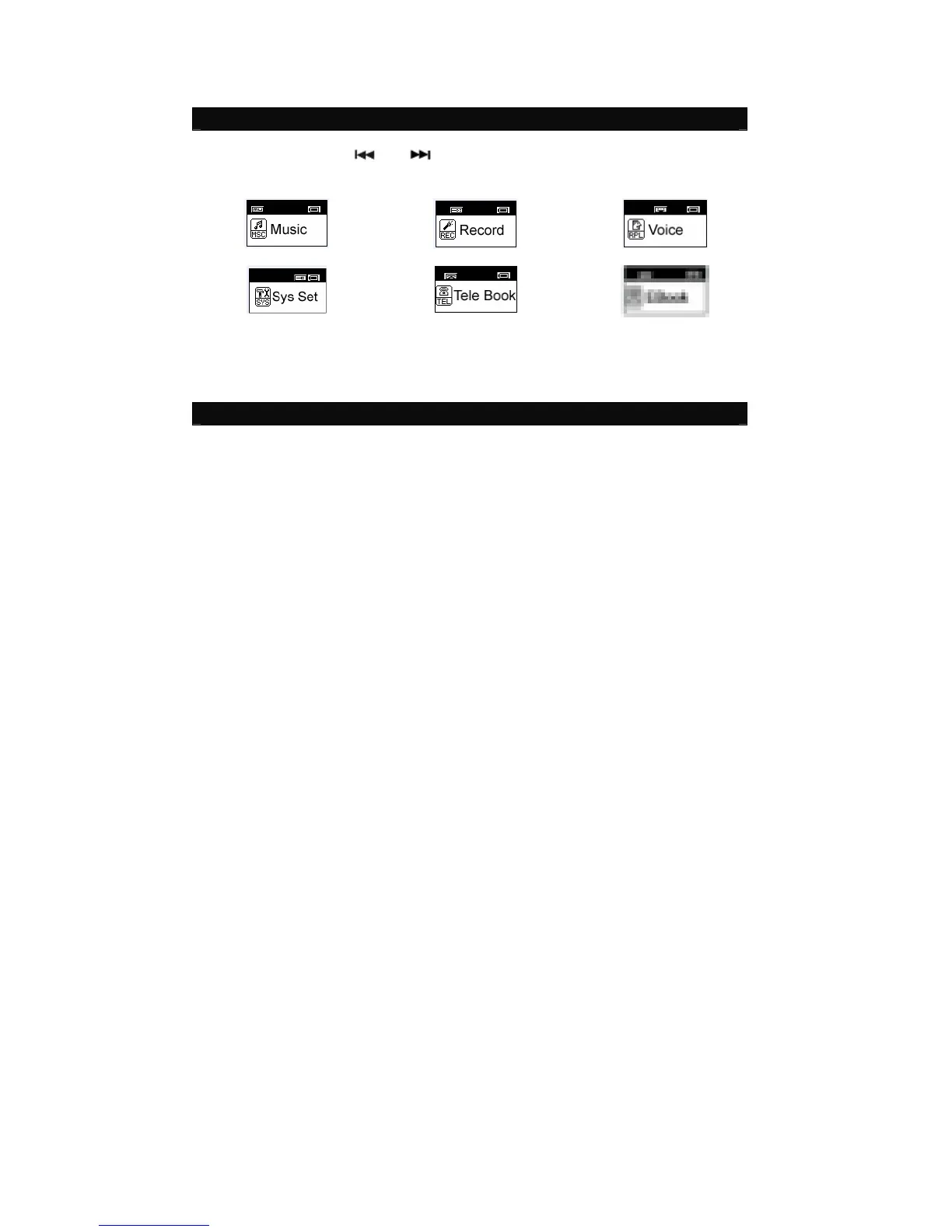
- In Main menu, press “ ” or “ ” to select a mode.
- There are 6 modes available in the main menu
Music Record Voice
System Setup Tele Book EBook
- Press “M” to enter.
Music
Music Playback



 To Next Page