34
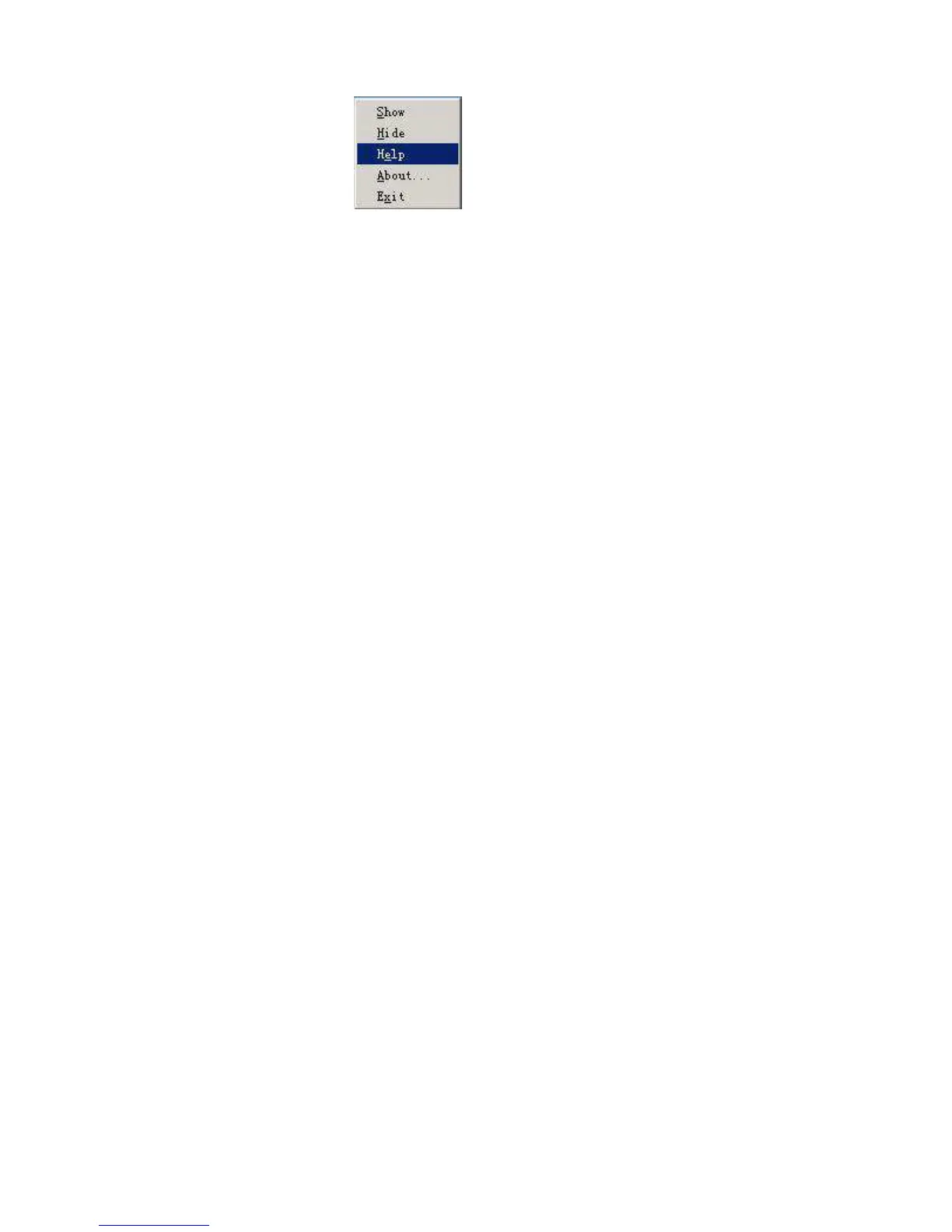
4.4 Menu
Right-click on AMT icon, and menu will be shown :
4.5 Safe File Folder (RAWDATA)
AMT generates default safe file folder “RAWDATA” automatically. If no file folder “RAWDATA”
in the player, AMT will generate file folder “RAWDATA” automatically after player and PC
connection. When files are copied or dragged into file folder “RAWDATA”, AMT will not perform
conversion and original music file can be stored.



 To Next Page