14
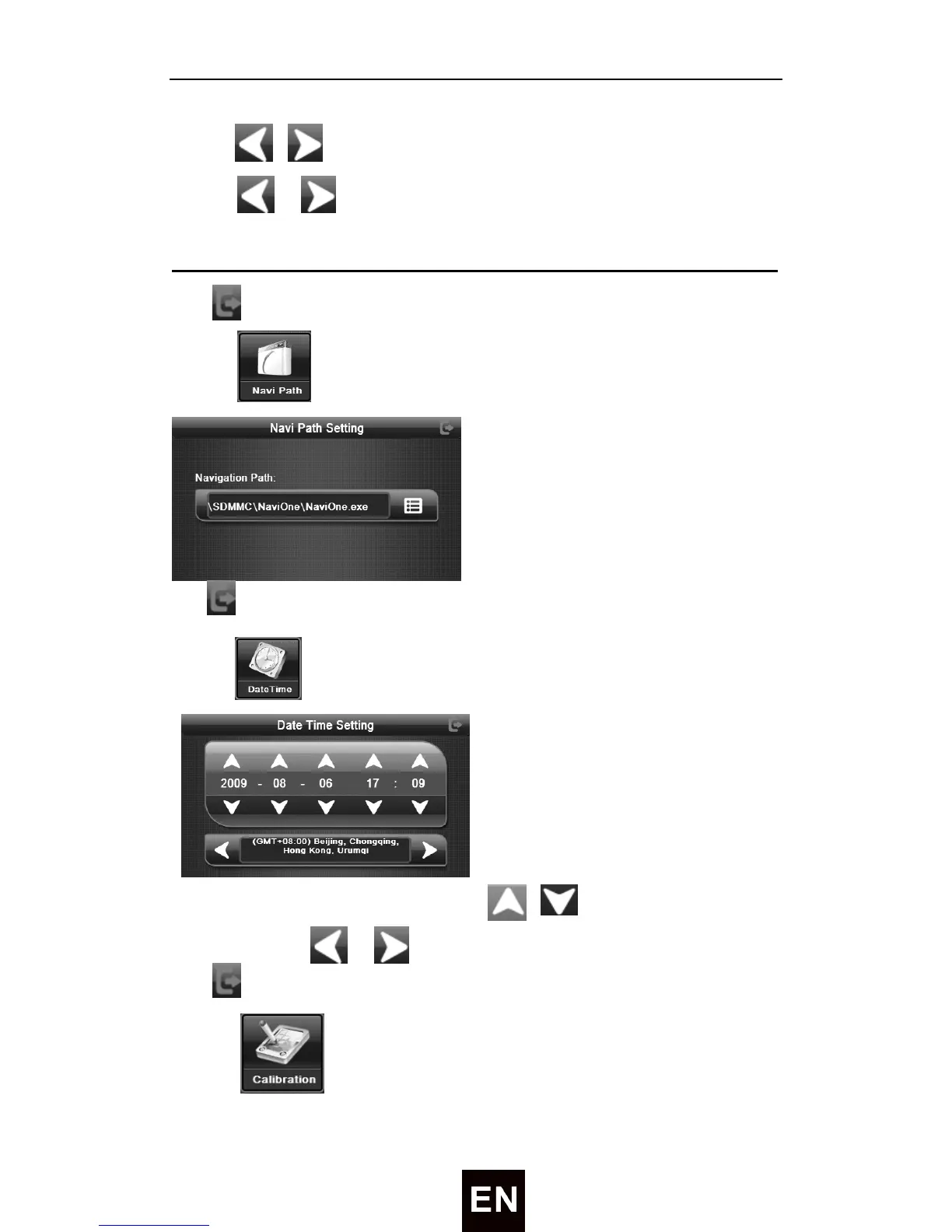
Tap / to adjust the volume level
Tap / to turn on/ off the screen click tone.
MENU OPERATION
Tap to exit volume setting interface.
3) Tap to enter the time setting like followed:
Tap to exit navipath setting interface.
4) Tap to enter the time setting like followed:
Tap the item, it will turn white, then tap / to set year, month, date,
hour, minute. Tap / to set time zone.
Tap to exit time setting interface.
5) Tap to enter the calibrate mode, you will see the following


 To Next Page