16
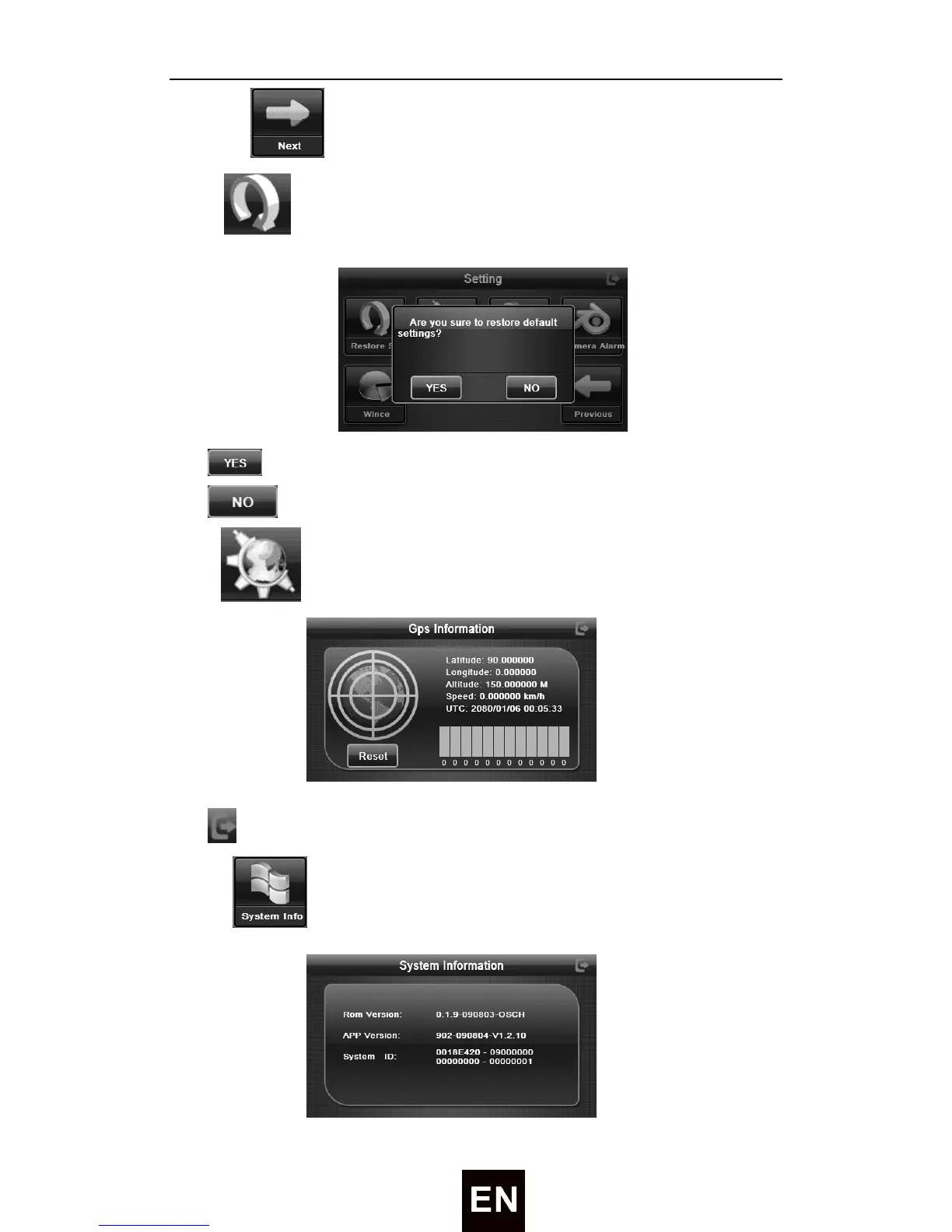
7) Tap to enter the next page of setting.
8) Tap to enter the defoult setting like followed:
Tap
icon to restore the factory default settings.
Tap icon to exit the default settings.
9) Tap to enter the GPS Information:
Tap
to exit GPS information setting interface.
10) Tap to enter the System Information:


 To Next Page