17
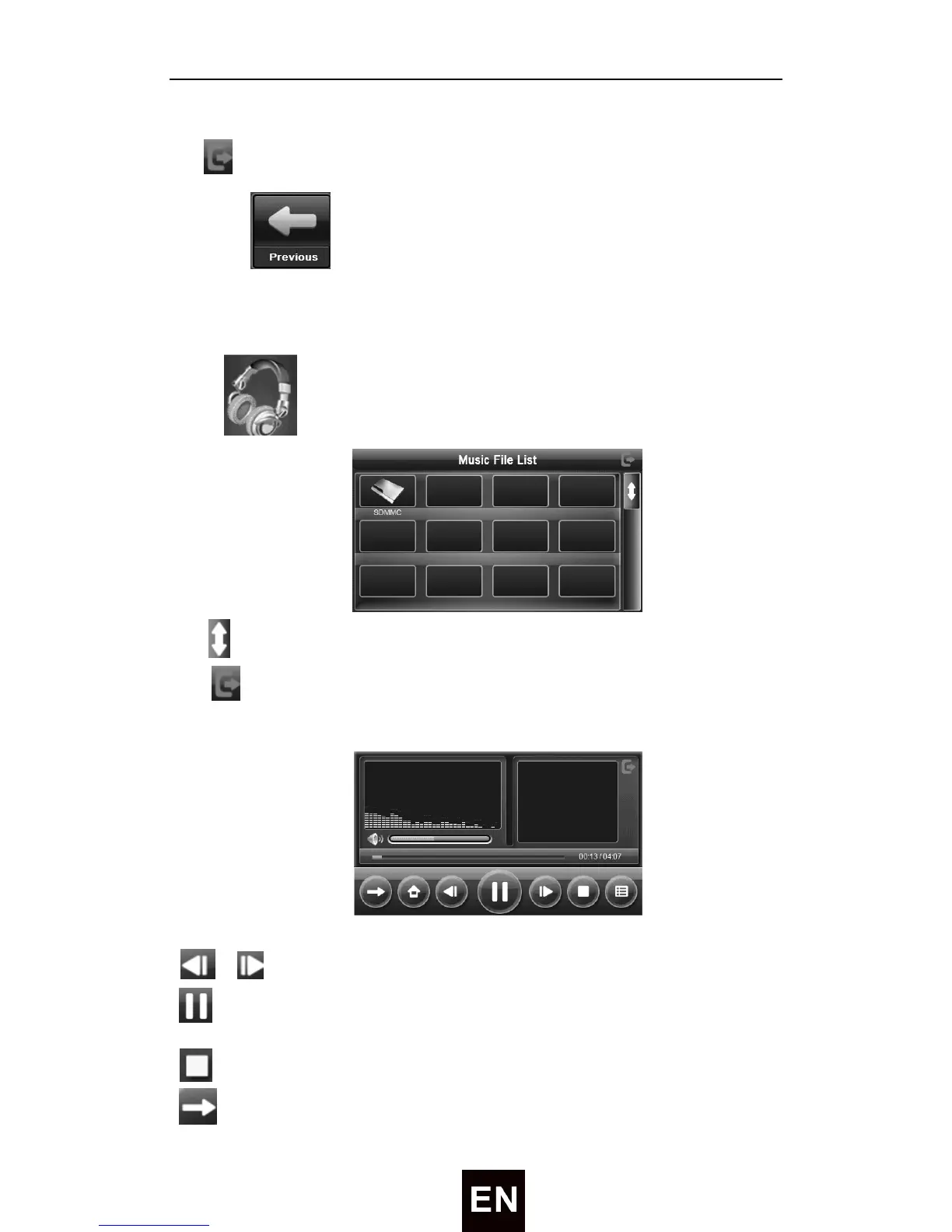
Tap to exit system information setting interface.
12) Tap to enter the previous page of settings.
● Audio Player
Tap icon enter Music file list as following:
Tap
to show last/next page.
Tap to close current file.
Choose the song to enter the playing interface as following:
/ ——Previous/Next track.
——To play and pause, single click to pause, click again to play
continuously;
—— Tap to stop playing
——Support sequential playing, loop playing, repeat playing and


 To Next Page