18
random playing.
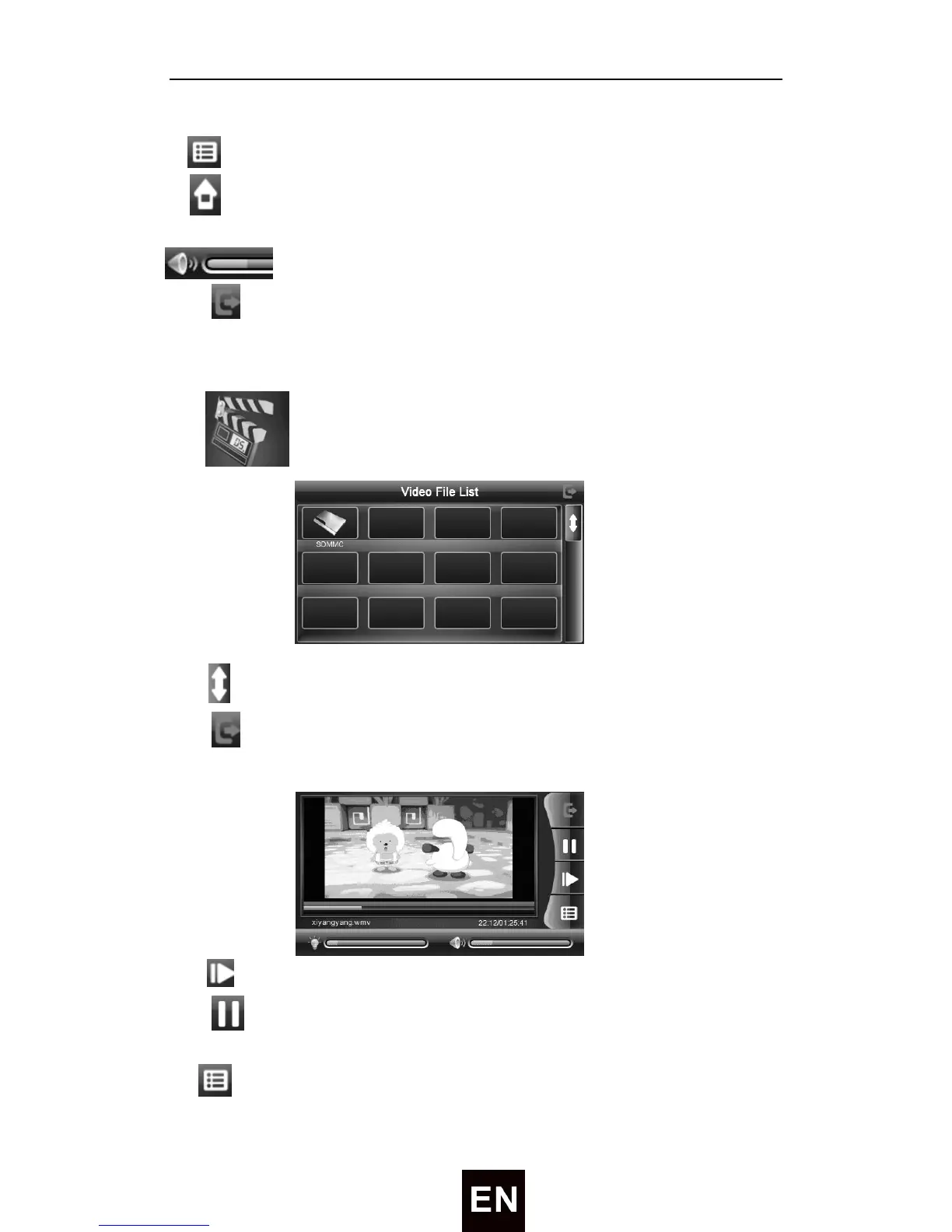
—— Tap to display the play list, and choose your favorite
—— Tap to back homepage
——Drag to adjust the volume up/down
Tap to close the audio player.
Video Player
Tap icon enter Video File List as following:
Tap
to show last/next page.
Tap to close current file.
Choose the video name to enter the playing interface as following:
① ——Tap to play next video
② ——To play and pause, single click to pause, click again to play
continuously;
③ —— Tap to display the play list, and choose your favorite


 To Next Page