19
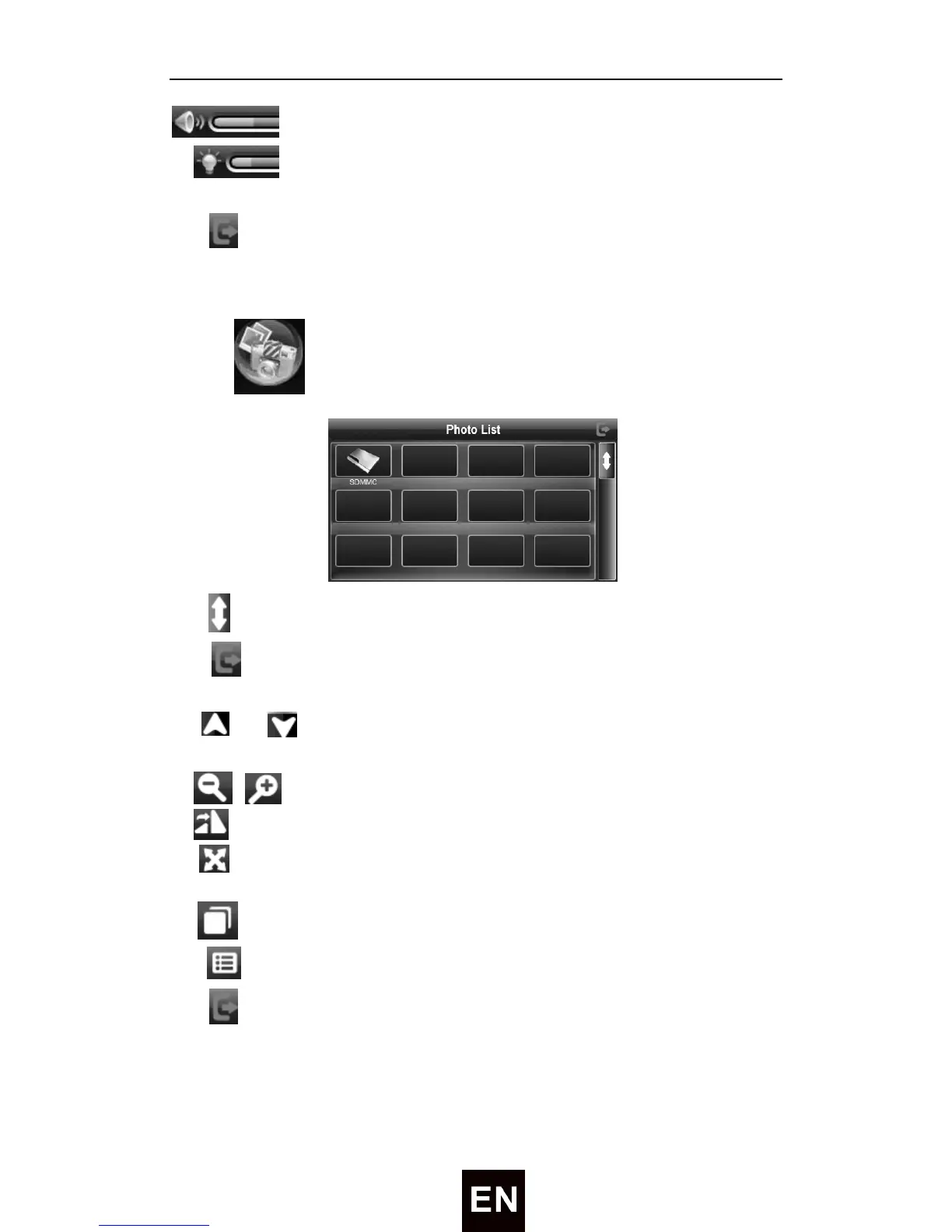
——Drag to adjust the volume up/down
——Drag to adjust the brightness
Tap to close the video player.
Photo Viewer
Tap icon to enter the Photo List as following:
Tap
to show last/next page.
Tap to close current file.
Choose the picture to enter the playing interface as following:
① / ——Tap to show the previous/next picture
② / ——Tap to shrink /enlarge current picture in proportion
③ ——Tap to rotate the picture 90°.
④ ——Play all the pictures circularly on full screen from the current
picture
⑤ ——Tap to watch the current picture in full screen
⑥ —— Tap to display the play list, and choose your favorite
Tap
to close the photo viewer.


 To Next Page