11 12
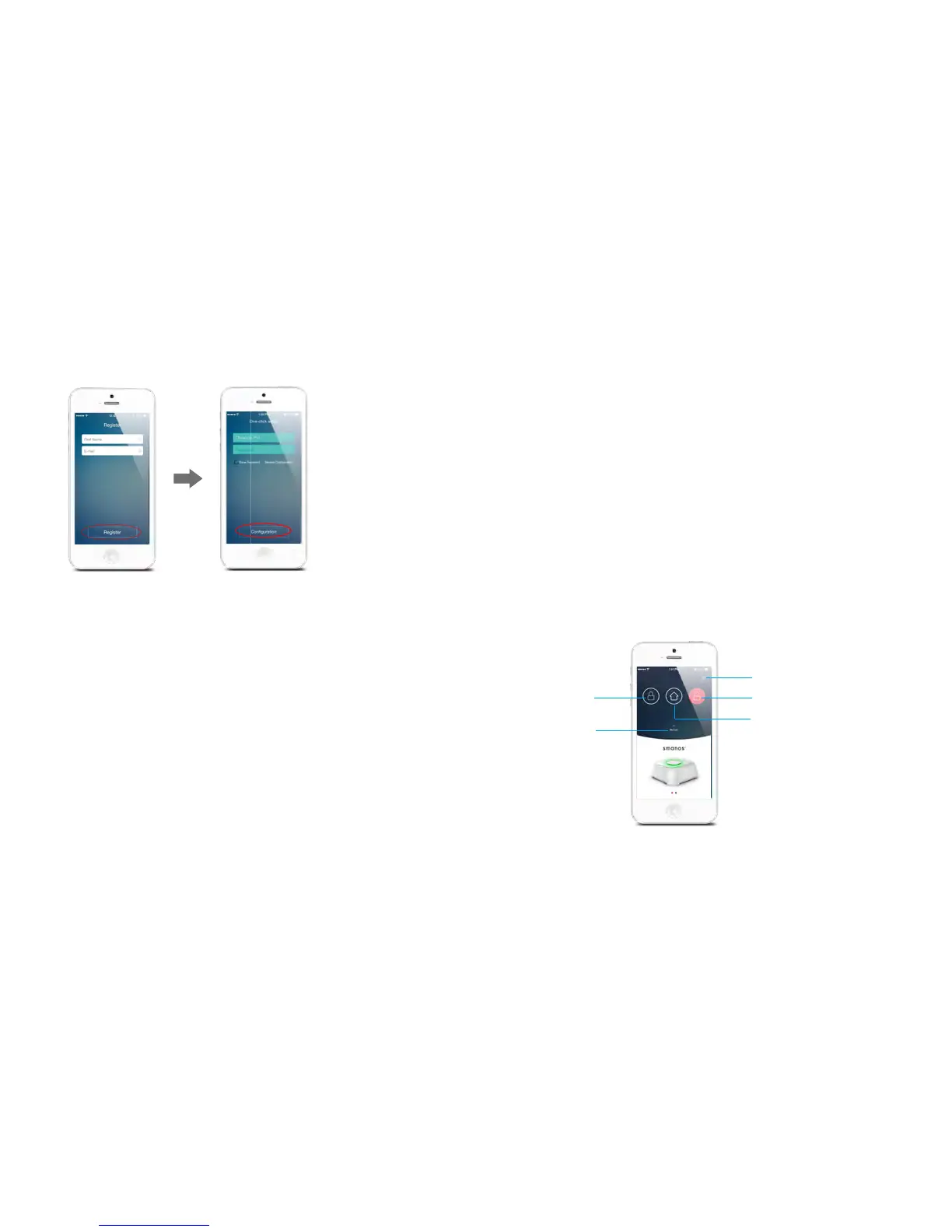
Registration and Network setup
After registration, it enters into the network setup interface. There
are two ways to connect the control panel with Wi-Fi:
Option 1. One-click setup
1. Click the network conguration button (refer to page 5) on the
control panel once, you’ll hear a beep from the control panel.
then the red and blue status indicators blink alternately.
2. Input the Wi-Fi’s password on the App, then tap [Start],
when the indicator stops blinking but keeps on instead, the
conguration is successful.
Option 2. Manual conguration
1. Hold the network conguration button on the control panel
until the control panel beeps once, then the red and blue status
indicators blink alternately, means the control panel has entered
into a manual conguration state.
2. Find and choose the Wi-Fi named W020 in your phone’s Wi-Fi
list.
3. Choose manual conguration in the one-click setup interface of
W020 App.
4. Input the local Wi-Fi name and its password, click [Start].
When the status LED indicator stops blinking but keeps on instead,
it means the conguration is successful.
Note: One control panel can be controlled by multi users.
Remote control your alarm system
Pull-down
to Refresh
Network Reconnection
Home Arm
DisarmArm



 To Next Page