EasyManua.ls Logo

Smanos W020 - User Manual

Smanos W020
15 pages
Print Icon
To Next Page IconTo Next Page
Loading...
Printed in China
PA: W020-UM-EN-V1.0
© 2015 SMANOS HOLDING LTD. All Rights Reserved.
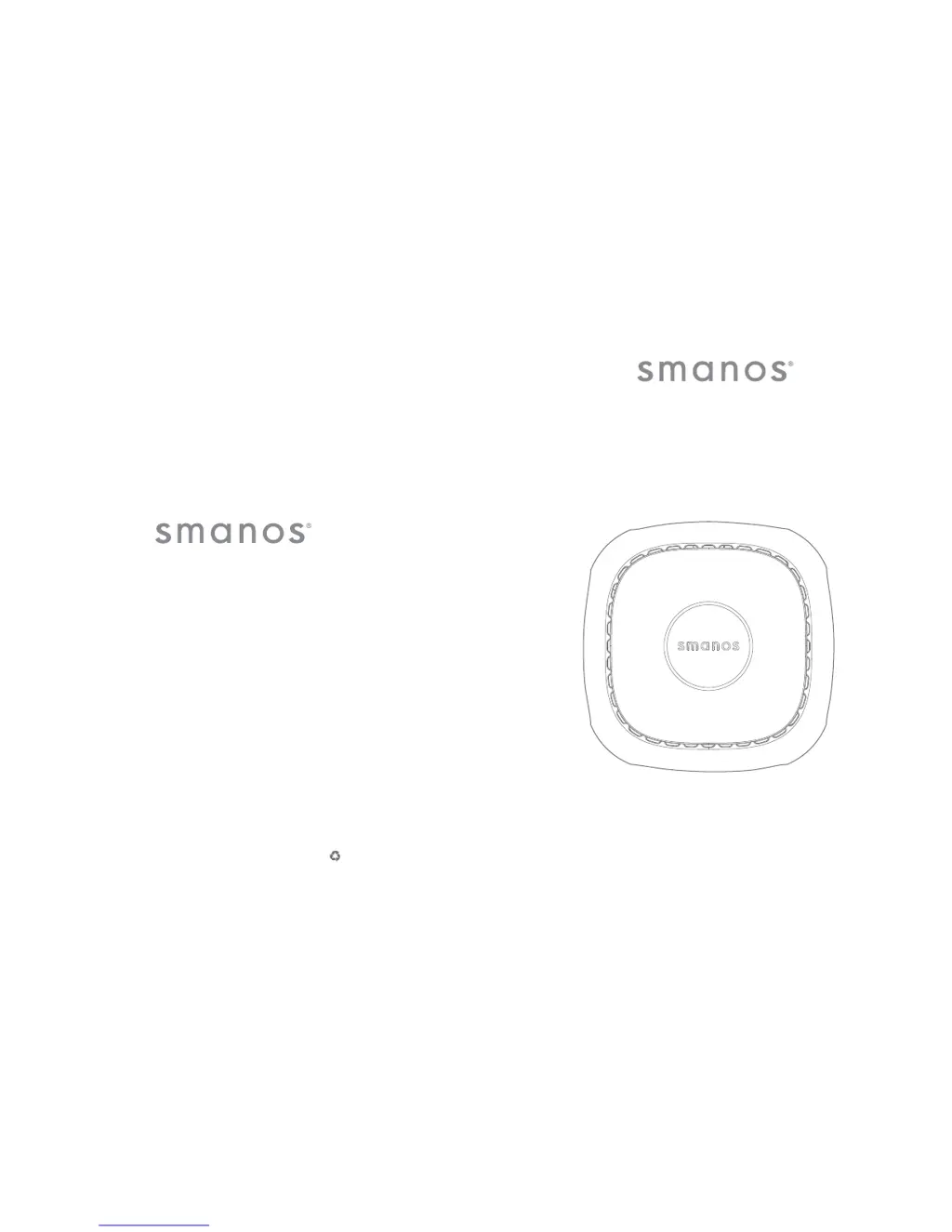
W020
WiFi Alarm System
USER MANUAL

Questions and Answers

  • L
    Laura MeyerAug 17, 2025
    What to do if Smanos W020 door/window contact is triggered but there is no alarm?
    • C
      Charles SandersAug 17, 2025
      If your Smanos Security System's door/window contact is triggered but the control panel doesn't alarm, first verify that the system is in the armed state. Also, confirm that the door/window contact has been successfully paired with the control panel. Finally, ensure the door/window contact is not too far from the control panel.
  • M
    Michael YoungAug 19, 2025
    Why Smanos Security System remote control does not work?
    • R
      Rickey TrujilloAug 20, 2025
      If your Smanos Security System remote control isn't working, first check if it has been successfully paired with the control panel. Also, make sure that the distance between the remote control and the control panel is not too far.
  • H
    hmyersAug 23, 2025
    How to fix Smanos W020 control panel that does not respond to App operation?
    • L
      Linda SmithAug 23, 2025
      If your Smanos Security System control panel isn't responding to App operations, verify that your local network is working correctly. Also, ensure that the control panel is properly powered by the adapter.
  • A
    Amber MosleyAug 26, 2025
    What to do if Smanos Security System has no sound when alarming?
    • B
      Benjamin HollandAug 26, 2025
      If there is no sound when your Smanos Security System is alarming, check if the volume of the control panel is set to mute. You can also reset the alarm ring volume on the App.
  • A
    Albert PaulAug 28, 2025
    What to do if Smanos W020 door/window contact triggers but no alarm?
    • K
      Keith Sullivan MDAug 28, 2025
      If your Smanos Security System's door or window contact is triggered, but the control panel isn't alarming, first ensure that the system is in the armed state. Also, verify that the door/window contact has been successfully paired with the control panel and is not too far away from it.
  • R
    Richard ReevesAug 31, 2025
    How to fix Smanos W020 control panel not responding to app?
    • M
      Michelle StanleyAug 31, 2025
      If your Smanos Security System control panel isn't responding to the app, check that your local network is working and that the control panel is powered by the adapter.
  • I
    Isabella FloresSep 2, 2025
    How to fix no sound when Smanos W020 Security System is alarming?
    • D
      Debbie CaldwellSep 3, 2025
      If there is no sound when your Smanos Security System is alarming, check if the volume of the control panel is set to mute. You can also reset the alarm ring volume on the app.
  • B
    barbarahawkinsSep 5, 2025
    What to do if Smanos Security System door/window contact is triggered but the control panel doesn't alarm?
    • E
      Eric JordanSep 5, 2025
      If your Smanos Security System's door/window contact triggers but the control panel doesn't alarm, first verify that the system is in the armed state. Also, confirm that the door/window contact has been successfully paired with the control panel. Lastly, ensure the door/window contact is not too far away from the control panel.
  • K
    Kelly BarronSep 8, 2025
    Why is there no sound when my Smanos W020 is alarming?
    • A
      Ashley RobbinsSep 8, 2025
      If your Smanos Security System produces no sound when alarming, check whether the volume of the control panel is set to mute. You can also reset the alarm ring volume using the app.
  • W
    William SanchezSep 12, 2025
    How to fix Smanos Security System control panel when it does not respond to App operation?
    • T
      Troy ColemanSep 12, 2025
      If the Smanos Security System control panel does not respond to app operations, check whether the local network is working correctly. Also, ensure the control panel is powered by the adapter.

Summary

Product Features

Key Features

Details the system's key attributes: ease of operation, reliability, and user-orientation.

Package Contents

System Operation Guide

System Accessories

Accessory Installation

Mobile Application Usage

Apple and Android App

Guides users on downloading and using the W020 Alarm mobile application.

Network Setup and Registration

Option 1. One-click setup

Describes the simplified Wi-Fi connection process via the app.

Option 2. Manual configuration

Outlines the manual steps for connecting the control panel to Wi-Fi.

Remote System Control

System Configuration

Accessory Management

Pairing New Accessories

Guides on adding new remote controls and sensors to the system.

Deleting Accessories

Explains how to remove all paired accessories from the control panel.

Pairing New Wireless Siren

Details the procedure for pairing a new wireless siren with the system.

Accessory Maintenance

System Reset Procedures

Restoring to Factory Setting

Guides on resetting the control panel to its original factory configuration.

Troubleshooting Common Issues

Trouble Shooting

Offers solutions for common problems like unresponsive controls or alarm failures.

System Care and Upkeep

Smanos W020 Specifications

General IconGeneral
Alarm decibels105 dB
Operating frequency868, 915 MHz
Alert notification typePhone line
Smartphone remote supportYes
Operating temperature (T-T)-10 - 55 °C
Mobile operating systems supportedAndroid, iOS
Number of supported remote controls10
Number of simultaneously connected devices (max)-
Alarm current270 mA
Static current140 mA
Battery voltage1.5 V
Control typeTouch
Product colorWhite
Housing materialAcrylonitrile butadiene styrene (ABS)
Number of motion sensors30 pc(s)
Number of remote controls1 pc(s)
Number of door/window sensors2 pc(s)

Related product manuals