Quick installation Guide http://www.autostart.ca P. 3
PROGRAMMING THE TRANSMITTER TO THE MODULE
1. In programming mode (page 3) - the parking lights will stay on for up to 20 seconds.
2. Before the lights go out, turn the ignition key to OFF (if not OFF already), then ON, then OFF.
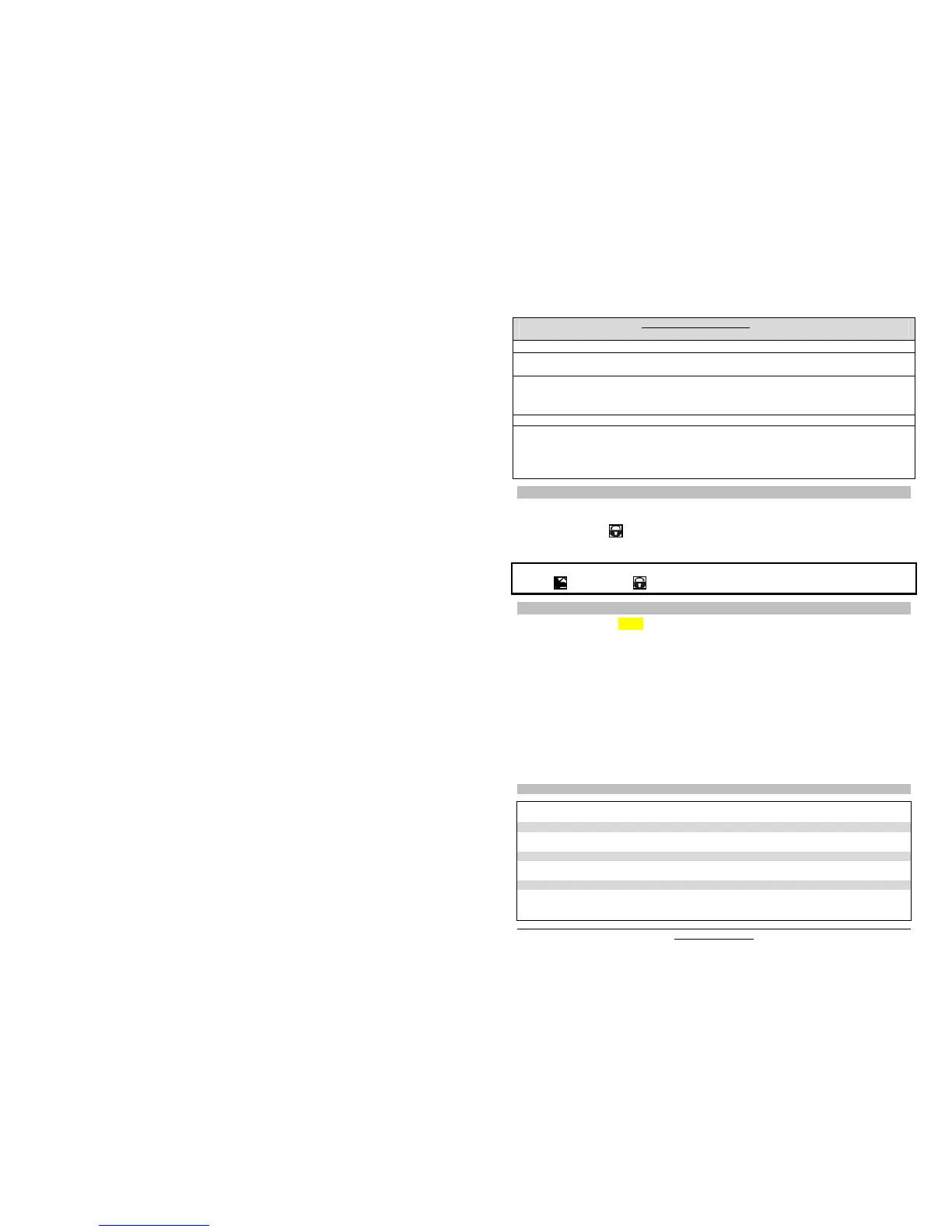
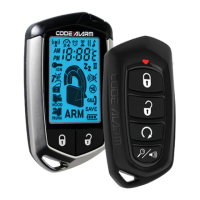
3. Press and hold the
button until the parking lights flash 5 times quickly (unit will click).
4. The transmitter has been stored in memory. Each unit can store 4 remotes in its memory.
5. You have 20 more seconds to select one of the sub-menus if needed.
To program a transmitter on the second vehicle for multi-car operation;
press the button (instead of ) in step 3 of the transmitter association procedure.
ENTERING PROGRAMMING OPTIONS
1. In programming mode (page 3)
the parking lights will stay on for up to 20 seconds.
2. Before the lights go out, press and hold the brake pedal and then press one of the following buttons.
x LOCK to access mode 1;
x UNLOCK to access mode 2;
x TRUNK to access mode 3
3. The parking lights will flash 1, 2 ou 3 times to confirm entry into a mode.
4. Release the brake pedal.
Once the desired mode has been selected, the unit will fall (by default) into function #1 of that mode; you can
now select the option you want in function 1. Once this option has been chosen, the unit will move on to
function 2 of the mode selected, and so on.
x LOCK to access option 1;
x UNLOCK to access option 2;
x TRUNK to access option 3;
x START/STOP to access option 4.
5. After the programming of any mode is completed, the parking lights and the LED on the antenna will turn
ON for 20 sec. During those 20 seconds, select one of the sub-menus if needed.
PROGRAMMING OPTIONS
MODE 1
* INDICATES DEFAULT SETTING
FUNCTION 1 – Ignition-controlled door locks
OPTION 1* Ignition lock DISABLED
OPTION 2 Ignition lock ENABLED
FUNCTION 2 – Secure Lock
OPTION 1* Secure lock DISABLED
OPTION 2 Standard secure lock ENABLED
FUNCTION 3 – Starter Kill
OPTION 1* Passive arming (60 sec.)
OPTION 2 Active arming
OPTION 3 Passive arming (3 min.)
FUNCTION 4 – Door lock / unlock pulse timing
Entering programming mode using the
Hood Pin
x Press and hold the hood pin down for 4 seconds.
x Release the hood pin.
The parking lights will turn ON for 1 second.
x While the parking lights are ON, press the hood pin once more and release immediately.
The parking lights will turn ON and stay ON for 20 seconds. You now have time 20 sec. to select a
submenu.
Note 1: To exit programming mode, close the hood.
Note 2: For vehicles that require the ignition to be turned ON to activate the brake circuit, follow these steps to
select a submenu:
x After flashing the hood, turn the ignition ON and wait for the parking lights to come ON. Then,
press the brake pedal to access the sub-menus.


 To Next Page