CHAPTER 2
GETTING STARTED WITH THE DISPLAY
16 smarttech.com/kb/171166
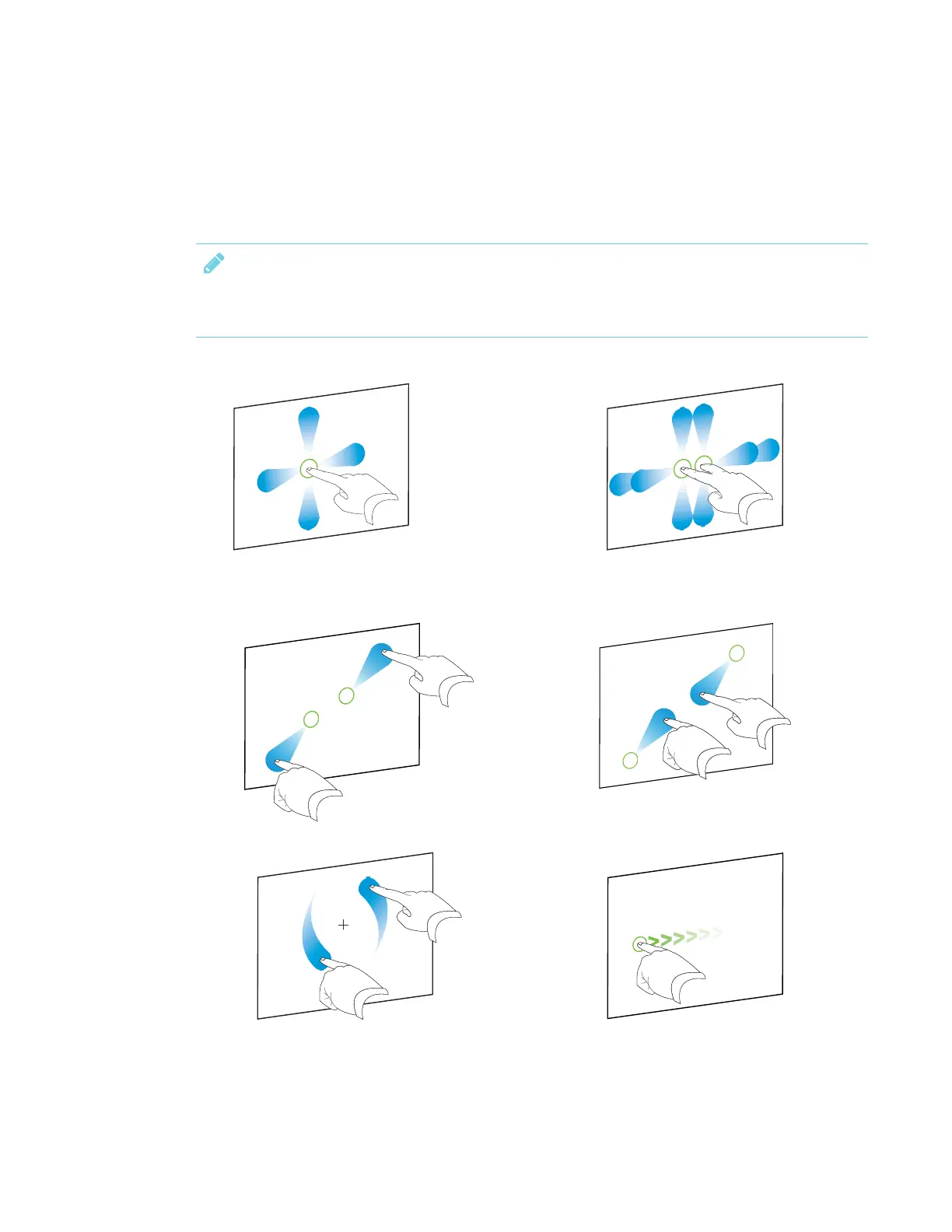
Interacting with content
By touching the display’s surface, you can do everything on the display that you can do at your
computer. You can also use an array of gestures within applications.
NOTE
Not all gestures work in all applications. Refer to an application’s documentation to learn which
gestures it supports.
Pan (one finger) Pan (two fingers) / scroll
Pinch to zoom in / scale (enlarge) Pinch to zoom out / scale (reduce)
Rotate Flick












 To Next Page