Chapter 1
Welcome
smarttech.com/kb/171415 20
USB extenders
As noted in the display’s specifications, there is a maximum length for USB cable connections between the
display and computer.
When using USB 2.0, the cable should be no longer than 16'(5m).
When using USB 3.0, the cable should be no longer than 9'(3m).
If you need a longer USB connection, use a USB extender. For more information, see USB cable extenders.
More information
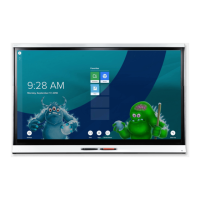
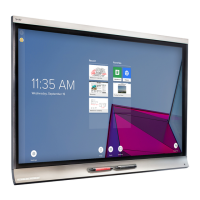
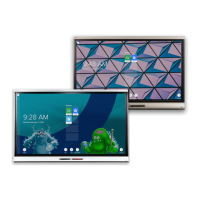
SMART provides a variety of other documents for this display in the Support section of the SMART website
(smarttech.com/support). Scan the QR code on the cover of this guide to view links to SMARTBoard 6000S
and 6000S Pro series interactive display documents and other support resources.




 To Next Page