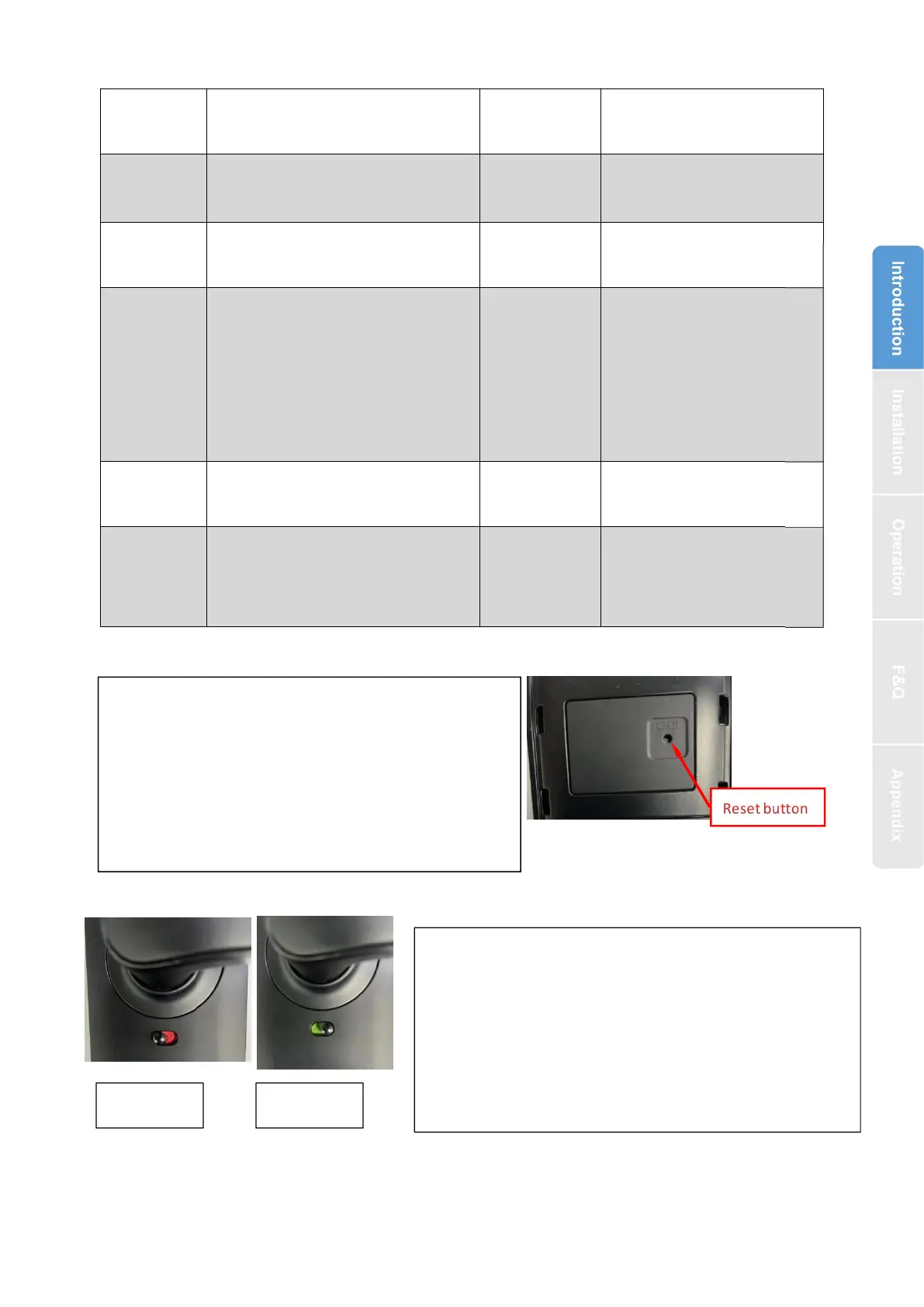
1.4.System Initialization
1.5.Electronic Locking Button
2.Installation
Bluetooth
Fingerprint(option)
Password
Card
Mechanical key
Gateway(option)
Fingerprint
:
200
Password
:
150
Card
:
200
Open the cover plate of the front
panel ,long press the "Reset" button on
the back panel for 5s, press “000#”,and
the initialization is complete
1.If you want to have the Electronic Locking
function, first turn on "privacy lock" on the app
2.When the button is in the red state, it is in the
locked state and can only be unlocked through
the administrator app or mechanical key.



 To Next Page