3.Operation
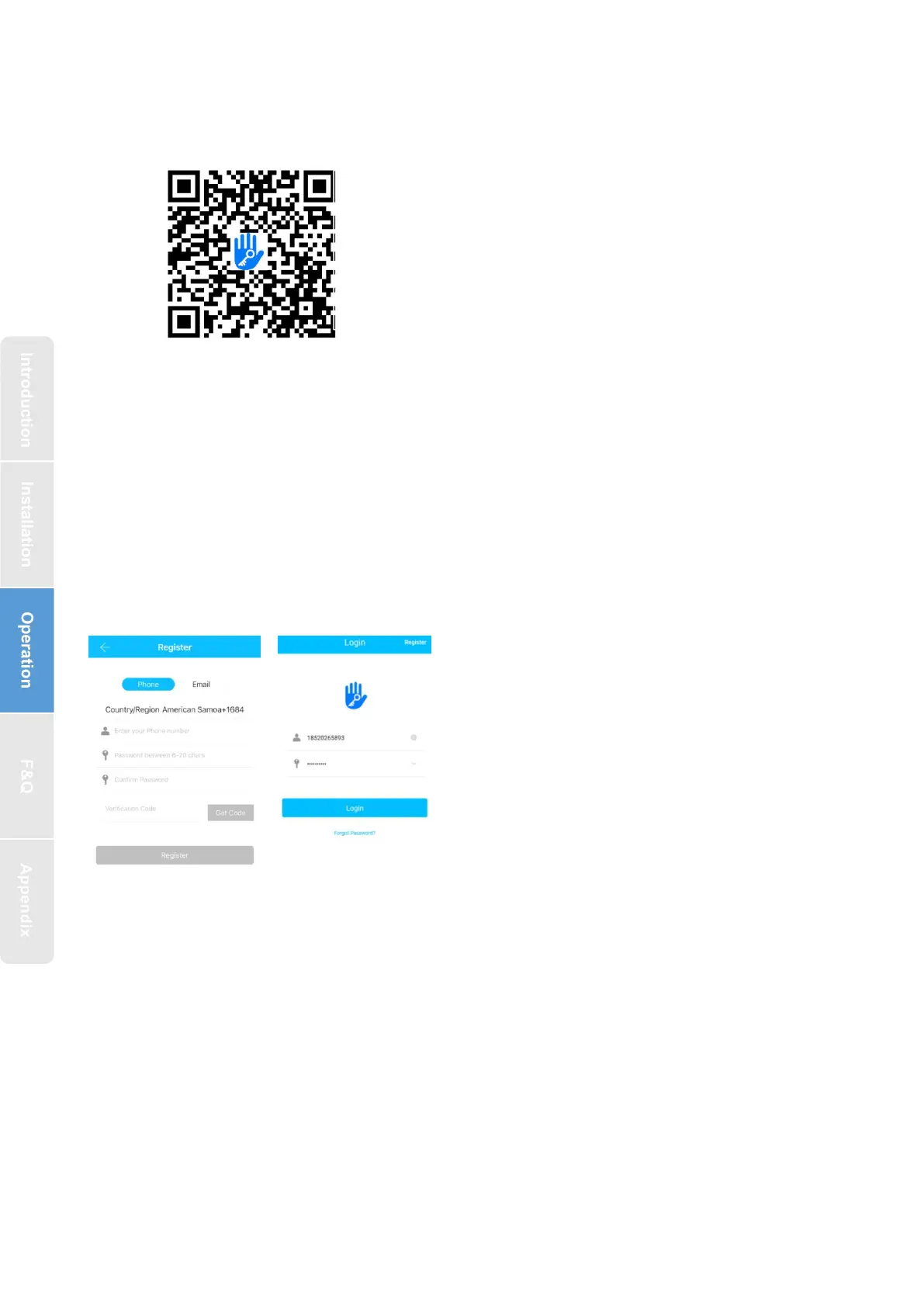
3.1.Registration
3.2. Connect lock to the phone
1) please scan the QR code to download the app
2) You can also search for TTLock in the APP store(Google Play)to download
4) Register a new account (phone number or email) or login with an existing
account.
5) Touch the lock screen to light, click "+ Add Lock”
6) The lock nearby will appear on the phone screen, Click "+"
7) Re-name the lock
8) The lock added successfully
The software (iOS version) can be
downloaded from the app store, and the Android
version can be downloaded from the application
store of Google play, Yingyongbao, Baidu, Ali,
360, Huawei, and Xiaomi.
TTlock users can register the account by
mobile phone and Email which currently
support 200 countries and regions on the
world. The verification code will be sent
to user’s mobile phone or email, and the
registration will be successful after the
verification.



 To Next Page