4
IV. Operating Instructions
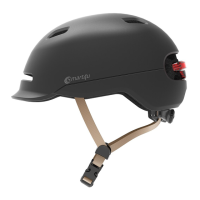
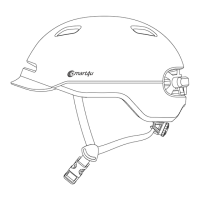
(Please charge the battery before use.Some models of helmets are not equipped with
Bluetooth speakers. The helmets without Bluetooth speakers could not take & make calls, listen to music and hear voice prompts.)
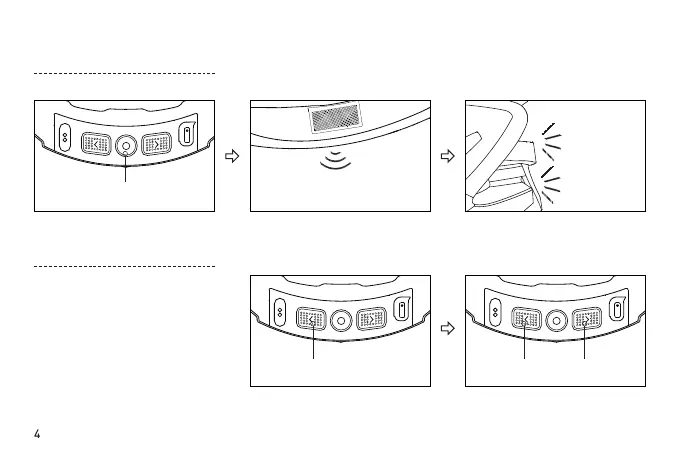
Start-Up
POWER ON"
□
" function button
" < " button " < " button " > " button
Press the "
□
" button for
3-to-5 seconds
First hold the "<" button Then press the ">" button to
switch between languages.
You will hear a voice saying
"POWER ON".
The orange tail light will blink
twice indicating Start-Up was
successful.
Change the language of the voice
prompt
(the default language is English)
To switch the language of the voice
prompt, follow the procedure
below when in normal standby
mode and disconnected from a
phone(currently only English and
Chinese are supported).
Orange light



 To Next Page