Setting up in Grid 3
If you do not have Grid 3 installed this can be downloaded from:
https://thinksmartbox.com/product/grid-3/
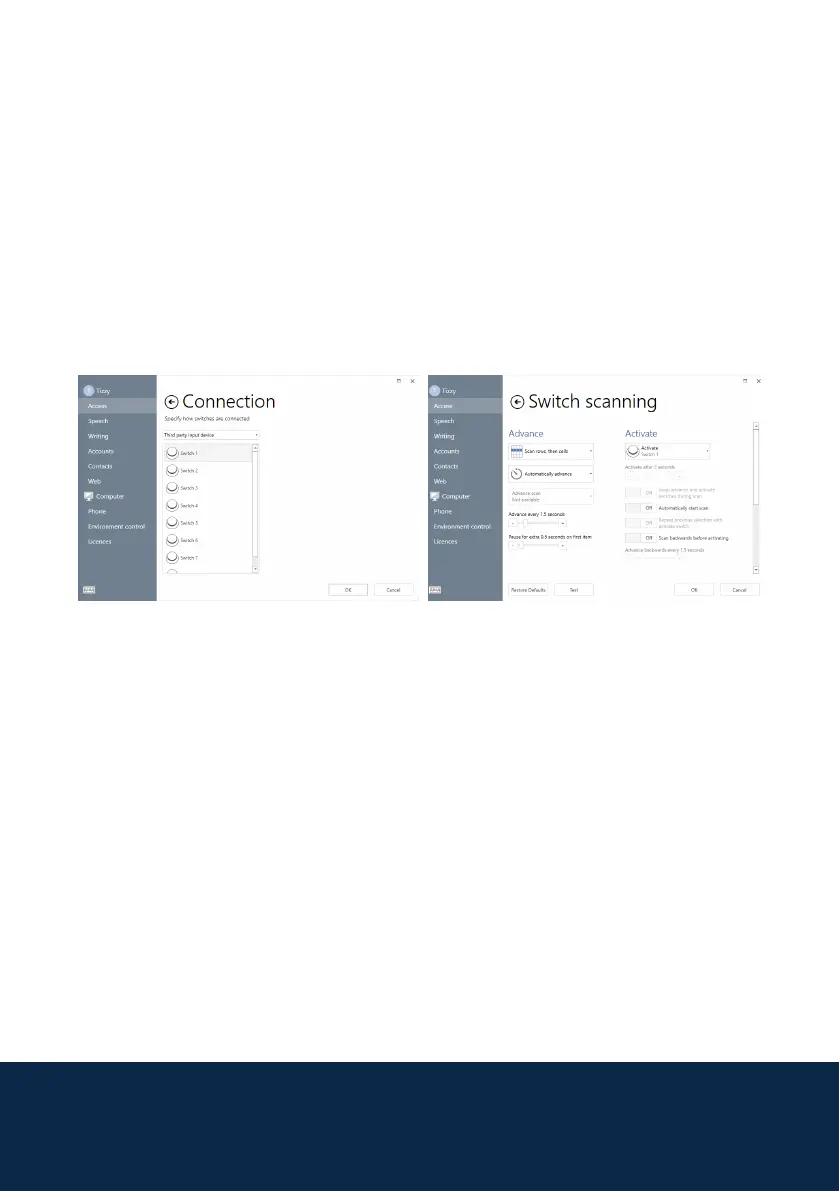
With Brainngers software running, Grid 3 can be set up for switch access. To
set this up go to the Menu bar > Settings > Access > Switches > Connection.
Select Third Party Input device.
7
Once selected under Switches go to Activation. On this Switch Scanning
screen you can set up the scan pattern and timing for the switch scan. Once
you have nished setting it up, try your settings by selecting Test at the
bottom of the screen.
On the test page when you make your muscle action you should hear the beep
(unless turned off) from the Brainngers software and also see it scanning.
Once tested you can press OK. Grid 3 will now be set up for using Brainngers.



 To Next Page