6
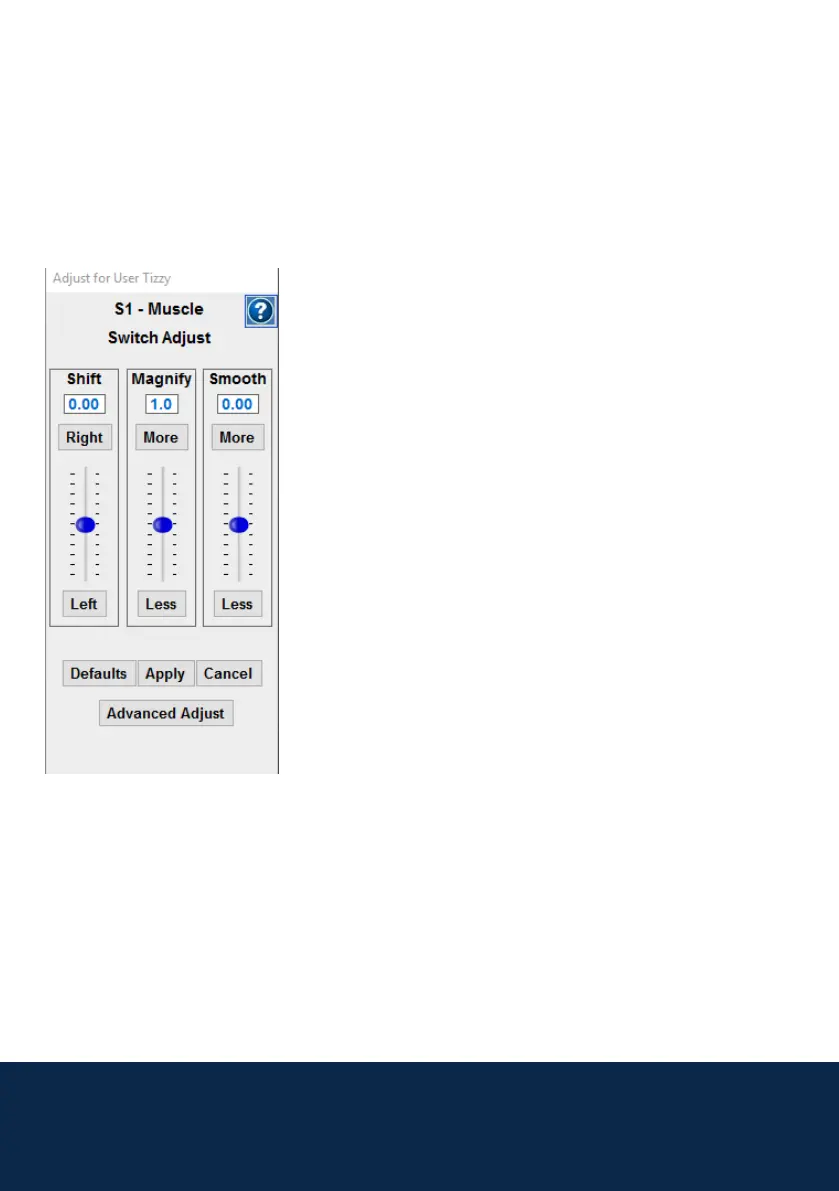
From this screen you can adjust the settings with the Switch Adjustment
button (Adjust – S1) if necessary.
Switch Adjustment
These options allows you to:
- Shift – Move your muscle signal line in
relation to the Trigger line, this can be used
if your muscle action is only very small.
- Magnify – Adjust the muscle signal so that
it requires less effort.
- Smooth – This will smooth and atten out
the muscle signal, it will also cause
Brainngers to respond slower.
Once you have reviewed the prole, you can press Continue. These settings
can be left as standard, though you may wish to turn off the audible sound the
Brainngers makes when you go over the trigger line. Otherwise press Launch
again and repeat the process.
The Brainngers screen will now shrink down to a small box which shows
your control window. You can now start Grid 3 and set it up for use with
Brainnger.



 To Next Page