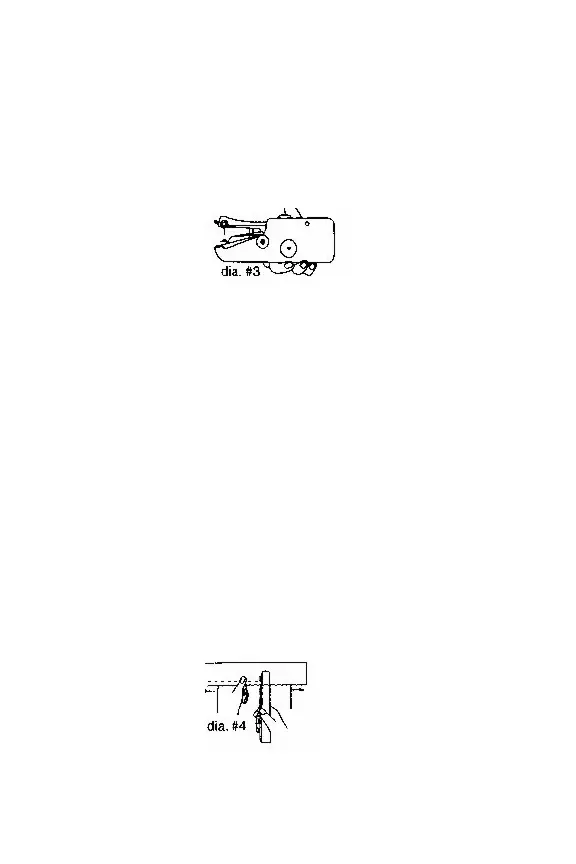
♦ Hold the sewing machine with right hand
and operate power switch with thumb,
other fingers
♦ Unlock the sewing machine. Press the
power switch with your right thumb. The
machine will automatically sew the fabric/
cloth to the left
♦ Use the left hand to hold cloth and
control the direction (do not put pressure
on the machine) when wider stitches are
required, pull cloth to the left a little faster
while you continue sewing. Follow the
centerline on cloth fastening plate to
ensure straight stitching


 To Next Page