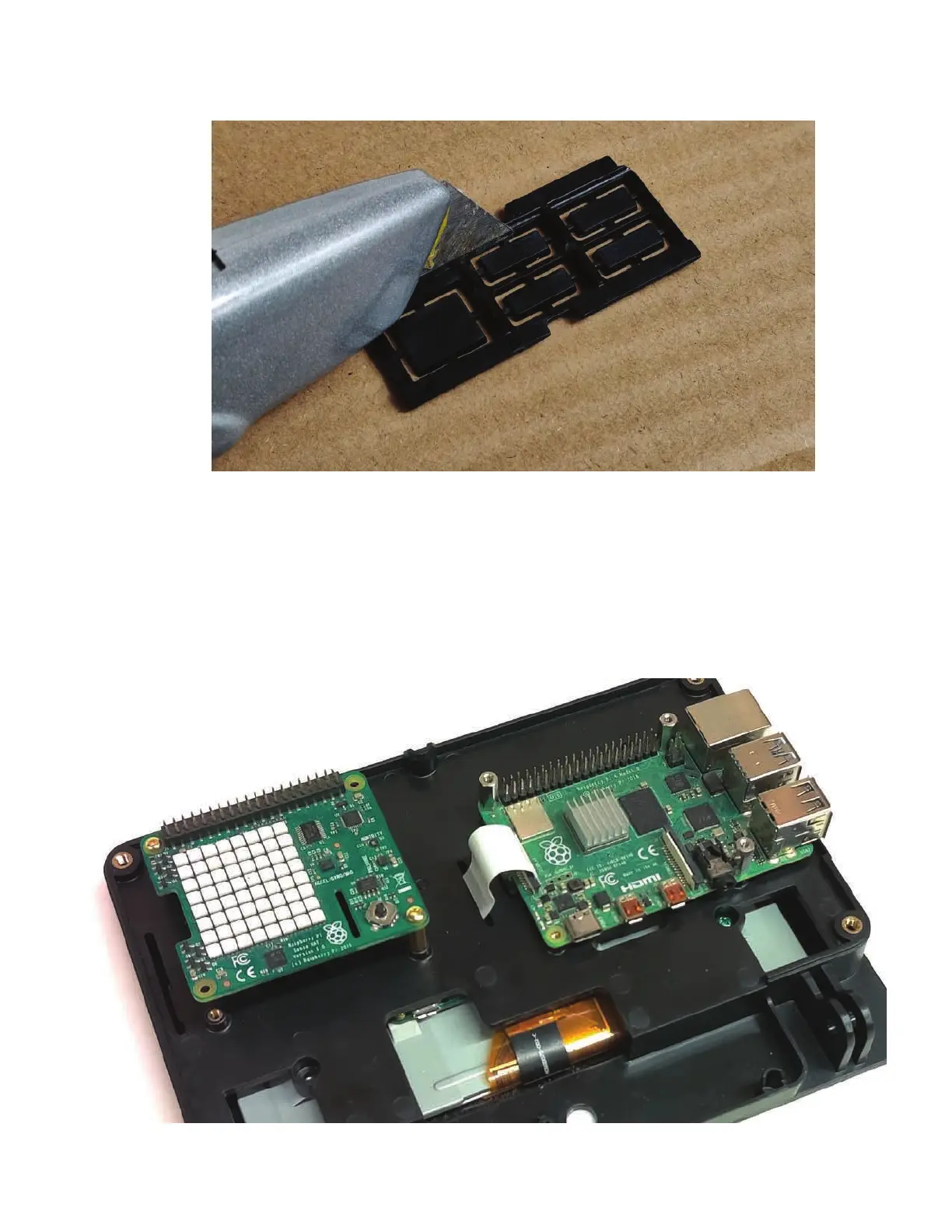
Step 6
If using the port blocking part, from the back side cut out the desired ports with a utility knife.
Two parts are included. One for Pi 2/3 and one for Pi 4.
Step 7
Assemble the port block part and the Raspberry Pi at the same time to the display housing. Use
the standoffs that were removed in step 4 to hold the Raspberry pi in place.
You can also purchase additional m2.5 standoffs and screws to attach HAT boards or other
hardware to the other set of m2.5 threaded inserts. (49mm x 58mm)


 To Next Page