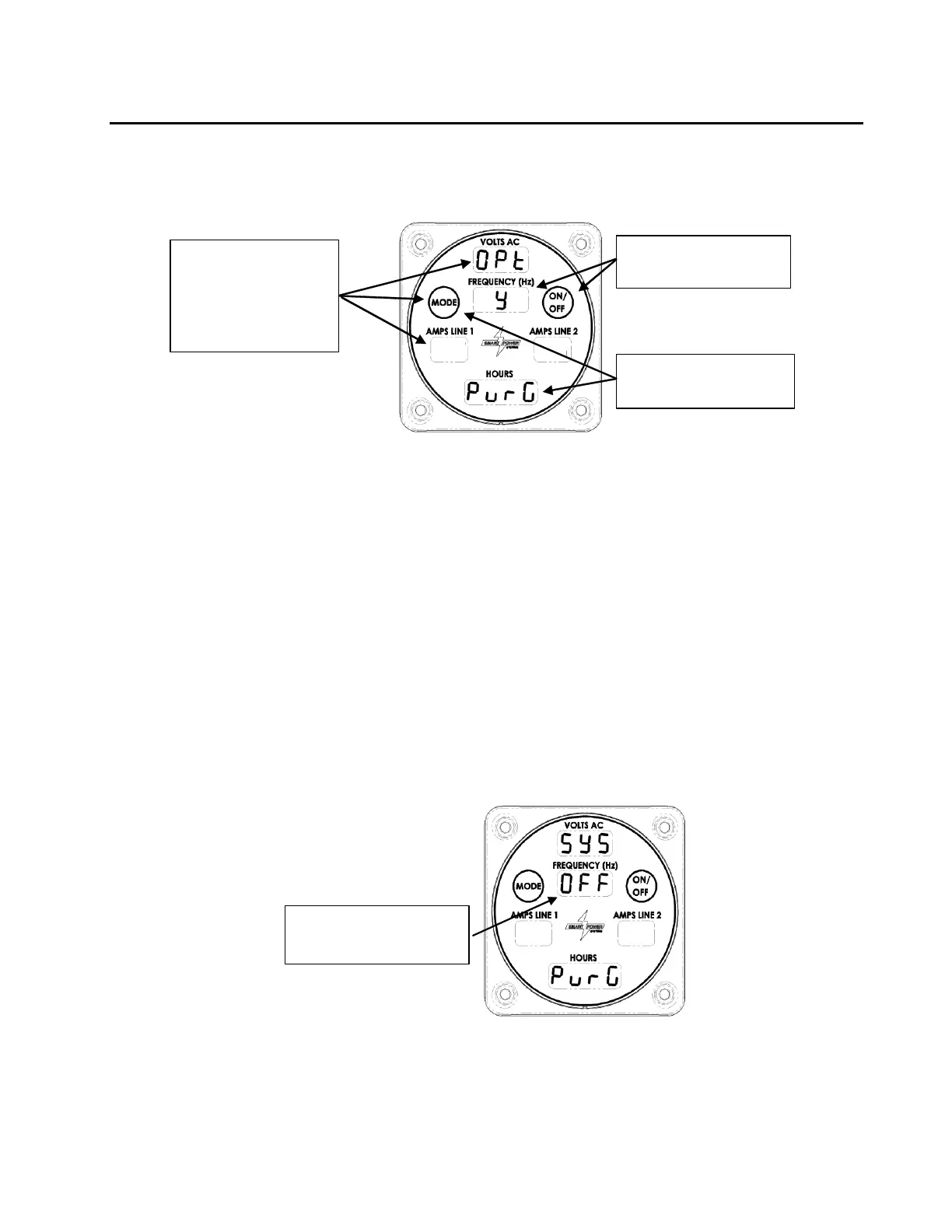
Figure 13
1. If the Command & Control Center is dark, press the Mode button to put the
display into Normal mode.
2. If the Display looks like Figure 14, The purge option is enabled.
3. Otherwise, press and hold the Mode button until the Amps Line 1 field
begins blinking (more than 10 seconds). Release the button so
appears. Reference Figure 13.
4. Press (and release) the Mode button until appears.
5. Press the On/Off button until a appears, indicating Purge option is Active.
6. Return to system purge display by pressing the Mode button repeatedly
until the screen shown in Figure 14 is displayed. Purge will still be active.
Figure 14 - Display in Purge Mode
11. Prior to applying full load, and after the oil temperature reaches 120°F, verify proper
operation of the cooler fan by feeling for airflow being pushed out of the tray


 To Next Page
 Loading...