8. Additional Information provided by the Command & Control Center:
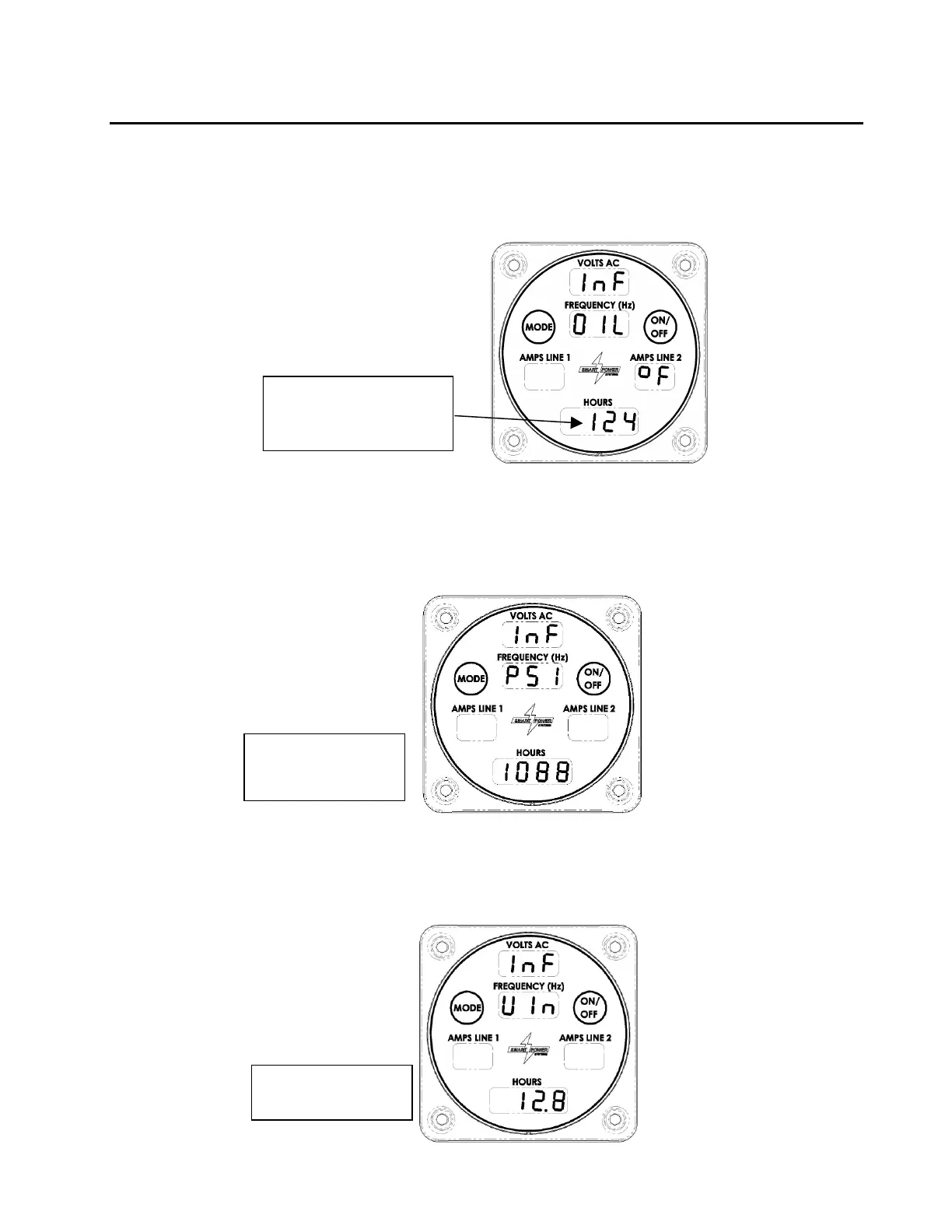
a. When the Command & Control Center is in Normal mode, pressing the Mode
button once will display the oil temperature (reference Figure 19.)
Figure 19 - Oil Temperature Display
b. Inlet pressure to the generator will be displayed next in the hours field by pressing
the Mode switch a second time as seen in Figure 20.
Figure 10 – System Inlet Pressure Display
c. DC supply voltage as measured by the generator system controller will be
displayed next in the hours field by pressing the Mode switch a third time as seen
in Figure 21.
Figure 21 – DC Input Voltage Display



 To Next Page