EasyManua.ls Logo

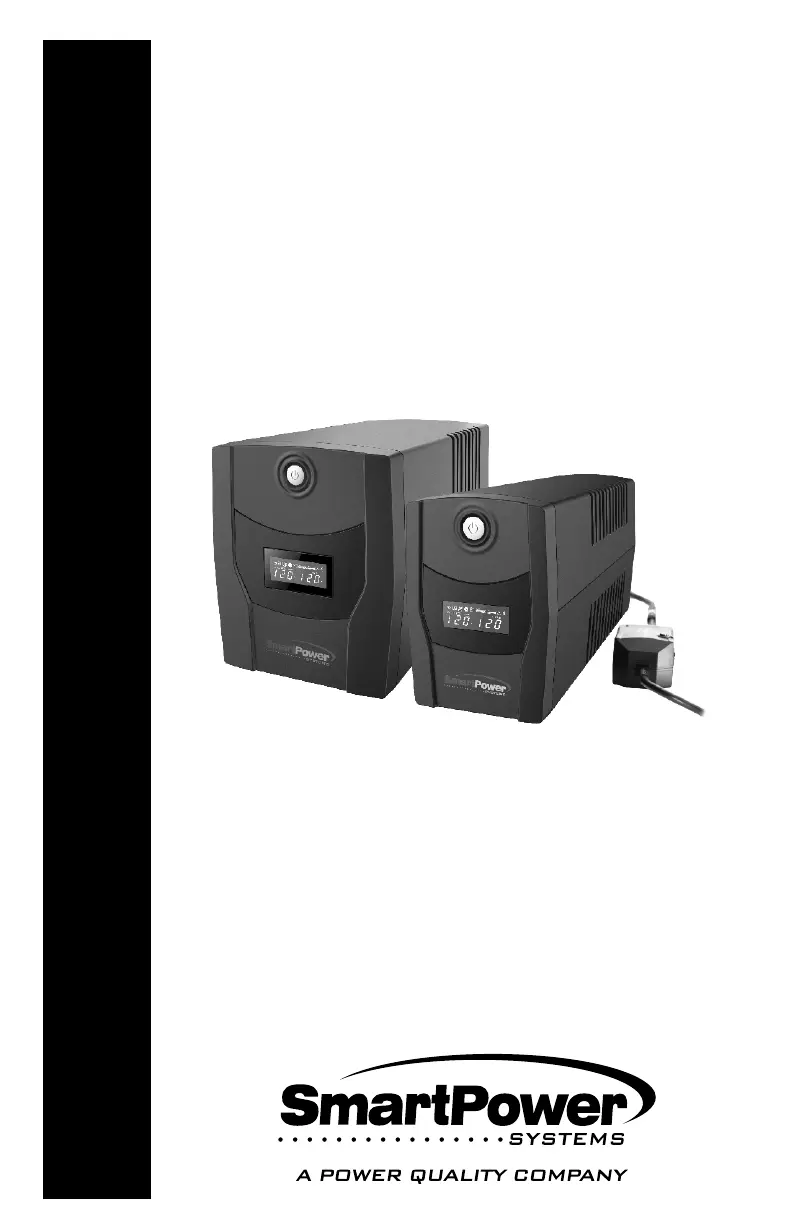
SmartPower SBP650U Plus-T - User Manual

Default Icon
15 pages
Print Icon
To Next Page IconTo Next Page
Loading...
USER'S GUIDE
Uninterruptible
Power Supply
SBP Plus Series
(Venus Plus)
Models:
SBP PLUS UPS Series
SBP450U Plus-T, SBP650U Plus-T,
SBP800U Plus-T, SBP1000U Plus-T,
SBP1500U Plus-T
450-1500

Questions and Answers

  • L
    lukehartAug 9, 2025
    What to do if SmartPower SBP650U Plus-T UPS outlets do not provide power to equipment?
    • V
      veronica16Aug 10, 2025
      If the outlets on your SmartPower UPS are not providing power, there could be several reasons. First, a circuit breaker might have tripped due to an overload. To resolve this, turn the UPS off, unplug at least one piece of connected equipment, unplug the power cord of the UPS, and then press the circuit breaker knob. Another possibility is that the batteries are discharged. If this is the case, allow the unit to recharge for at least 4 hours. Also, check if the power cord is loose and reconnect it if necessary.
  • M
    millersavannahAug 17, 2025
    Why SmartPower UPS will not turn on?
    • A
      Adam GuerraAug 18, 2025
      There are several reasons why your SmartPower UPS might not turn on. The on/off switch is designed to prevent damage by rapidly turning it off and on, so turn the UPS off, wait 10 seconds, and then turn it back on. Also, make sure the UPS is connected to a 120VAC 50/60Hz outlet to ensure it receives power.
  • S
    shane52Aug 25, 2025
    How to fix SmartPower UPS when it does not perform expected runtime?
    • C
      Cynthia CastilloAug 25, 2025
      If your SmartPower UPS isn't providing the expected runtime, it might be because the batteries are not fully charged. Recharge the battery by leaving the UPS plugged in.
  • A
    Andrew YuSep 1, 2025
    What to do if Smart Power Master is inactive on my SmartPower SBP650U Plus-T?
    • M
      Megan FoleySep 1, 2025
      If the Smart Power Master is inactive, it could be due to a disconnected serial/USB cable. Connect the serial/USB cable to the UPS unit and open the serial port on the back of the computer, ensuring you use the cable that came with the unit. Another reason could be that the unit is not providing battery power. In this case, shut down your computer and turn the UPS off, wait 10 seconds, and then turn the UPS back on to reset the unit.

Summary

Important Safety Instructions

Safety Cautions

General safety warnings to prevent fire, electric shock, and overheating during UPS operation.

System Description

Front Panel Overview

Details of the front panel components including LCD display, power switch, and LED indicators.

Back Panel Overview

Details of the back panel ports including USB, communication, circuit breaker, power cord, and outlets.

Installation and Operation

Unpacking and Overview

Instructions for unboxing the UPS and an overview of its functionality.

Determining Power Requirements

Guidance on calculating equipment power needs to avoid overloading the UPS.

Hardware Installation Guide

Steps for initial hardware setup, including recommended battery charging time.

Computer and Modem Connections

Guide for connecting computer equipment and modem/phone lines to the UPS for protection.

Replacing the Battery

Battery Replacement Procedure

Step-by-step instructions for safely replacing the UPS battery.

Smart Power Master Software

Software Installation and Features

Details on downloading, installing, and the functionalities of the Agent and Client modules.

Troubleshooting

Specifications

LCD Indicator Definitions

Line Mode Explanation

Describes the UPS operation when running from the input line power source.

Battery Mode Explanation

Describes the UPS operation when running on battery power due to outages.

Fault and Mute;Silent Modes

Explains fault detection and how to mute or silence alarm beeps.

Product Warranty and Policies

Return Material Authorization (RMA)

Instructions on how to obtain an RMA number before returning the unit for service.

Regulatory Compliance

FCC Compliance Statement

Details the device's compliance with FCC rules and potential interference guidelines.

SmartPower SBP650U Plus-T Specifications

General IconGeneral
Output Power390 W
Frequency50/60 Hz
Output WaveformSimulated Sine Wave
Form FactorTower
Communication PortUSB
Capacity650 VA
Input Voltage220-240 VAC
Output Voltage220-240 VAC
Battery TypeSealed lead-acid
Battery12V/7Ah
Battery Backup TimeVaries by load
ProtectionOverload, Discharge, Overcharge
IndicatorsLED indicators
Weight4.2 kg

Related product manuals