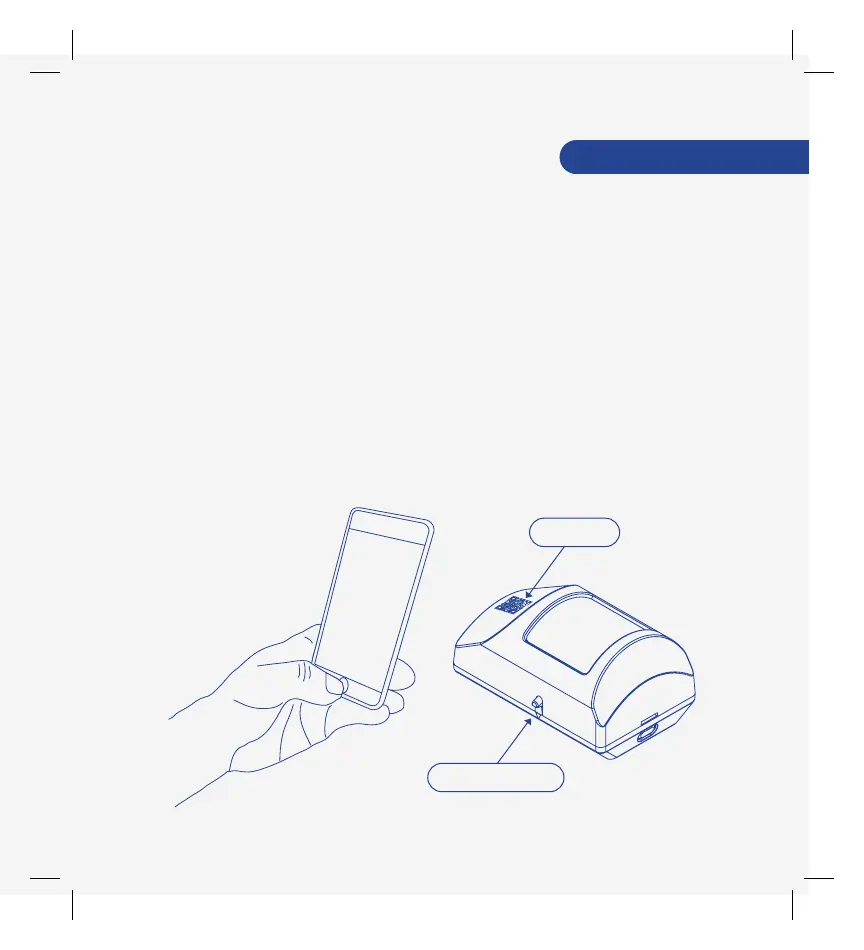
Use the ADT Motion Detector in a high-trafc area where an
intruder would be likely to pass within a 30-foot range, e.g.
living room or hallway.
Take the ADT Motion Detector to the area where you intend
to mount it. Make sure you are within 350 feet of the ADT
Security Hub.
Setup your ADT Motion Detector
• Exact range depends on your home’s construction, the
environment, the position of the ADT Security Hub, and
the position and number of other connected devices.
3. Use the SmartThings app on your smartphone to select the
“My Home” tab. Select "Things", and then “Add a Thing".
ADT Motion Detector
4. Use the SmartThings app to scan the QR code on the front
of the detector and then follow the on-screen instructions
to complete setup.
• Remove the QR code from the front of the detector
and attach it inside the ADT Security Hub User Guide
for future reference.
QR Code
Walk Test Button



 To Next Page