SmartWatch DVR Operation Manual
135
9.4.4 Checking Network Statistics
Purpose:
You can check the network statistics to obtain real-time information on the device.
Steps:
1. Enter the Network Statistics interface.
Menu > Maintenance> Net Detect
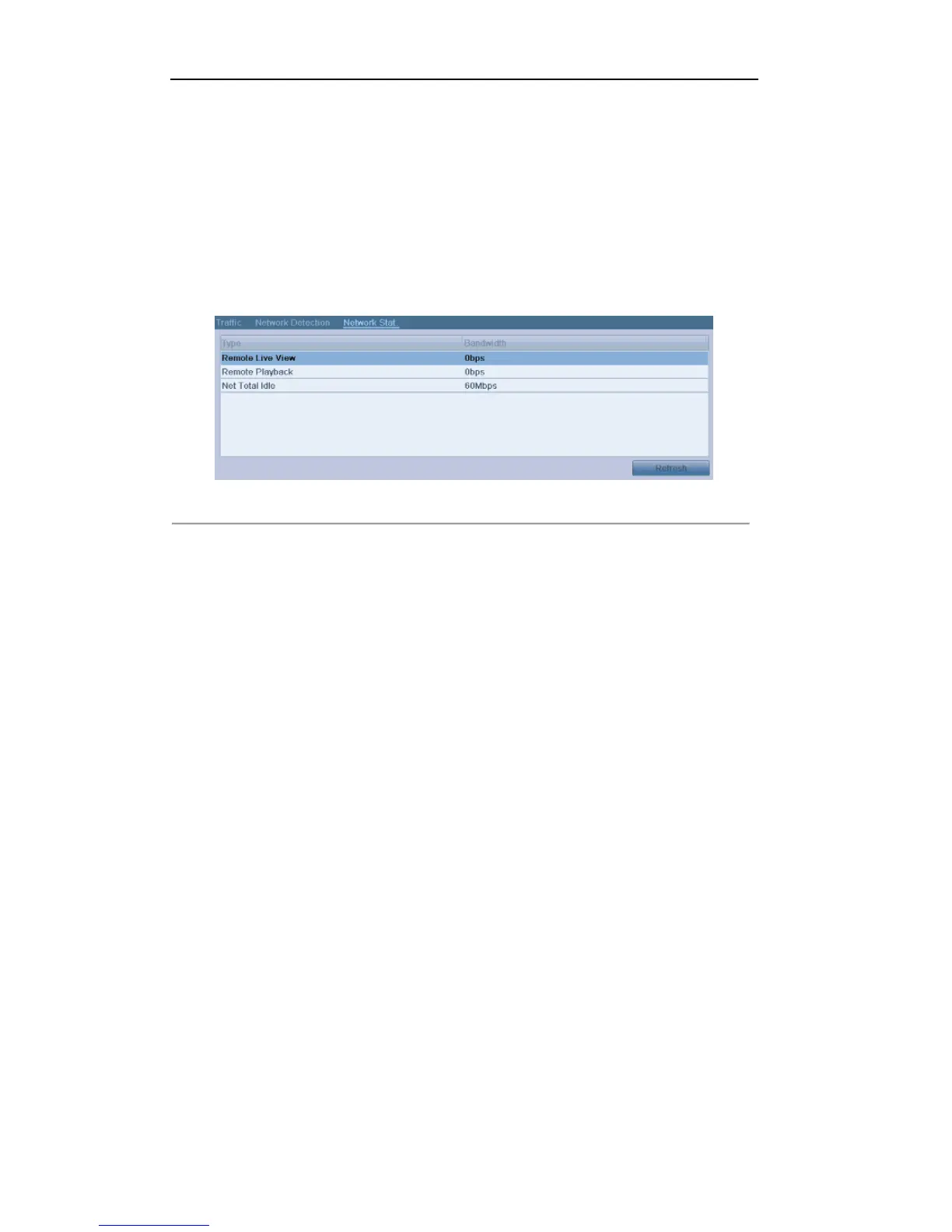
2. Click the Network Stat. tab to enter the Network Statistics menu.
Figure 9.36 Network Stat. Interface
3. View the bandwidth of Remote Live View, bandwidth of Remote Playback, bandwidth of Net Total Idle
information.
4. Click Refresh button to get the latest bandwidth statistics.



 To Next Page