SmartWatch DVR Operation Manual
142
10.3 Managing HDD Group
10.3.1 Setting HDD Groups
Purpose:
Multiple HDDs can be managed in groups. Video from specified channels can be recorded onto a particular
HDD group through HDD settings.
Steps:
1. Enter the Storage Mode interface.
Menu > HDD > Advanced
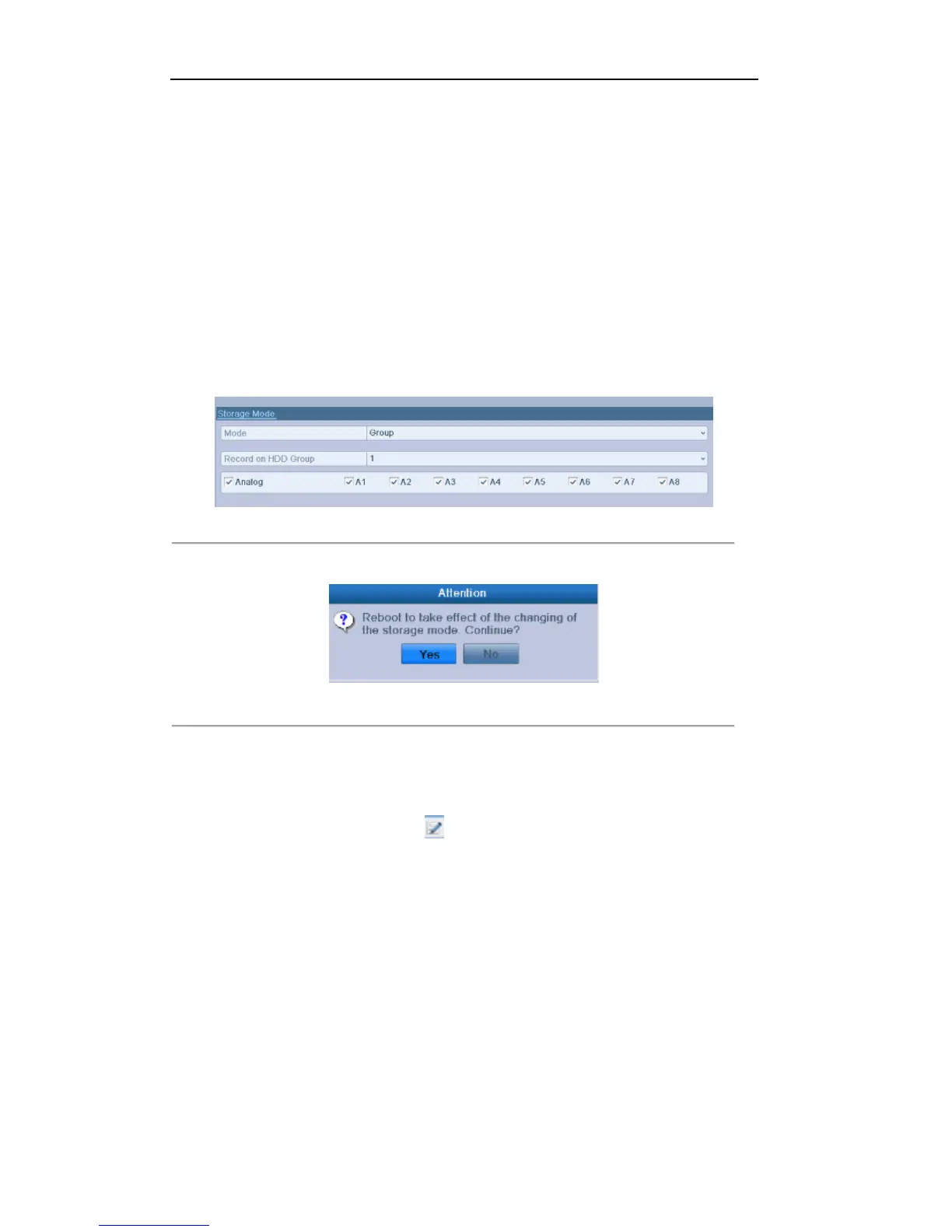
2. Set the Mode to Group, as shown below:
Figure 10. 10 Storage Mode Interface
3. Click the Apply button and the following Attention box will pop up.
Figure 10.11 Attention for Reboot
4. Click the Yes button to reboot the device to activate the changes.
5. After reboot of device, enter the HDD Information interface.
Menu > HDD > General
6. Select HDD from the list and click the icon to enter the Local HDD Settings interface.



 To Next Page