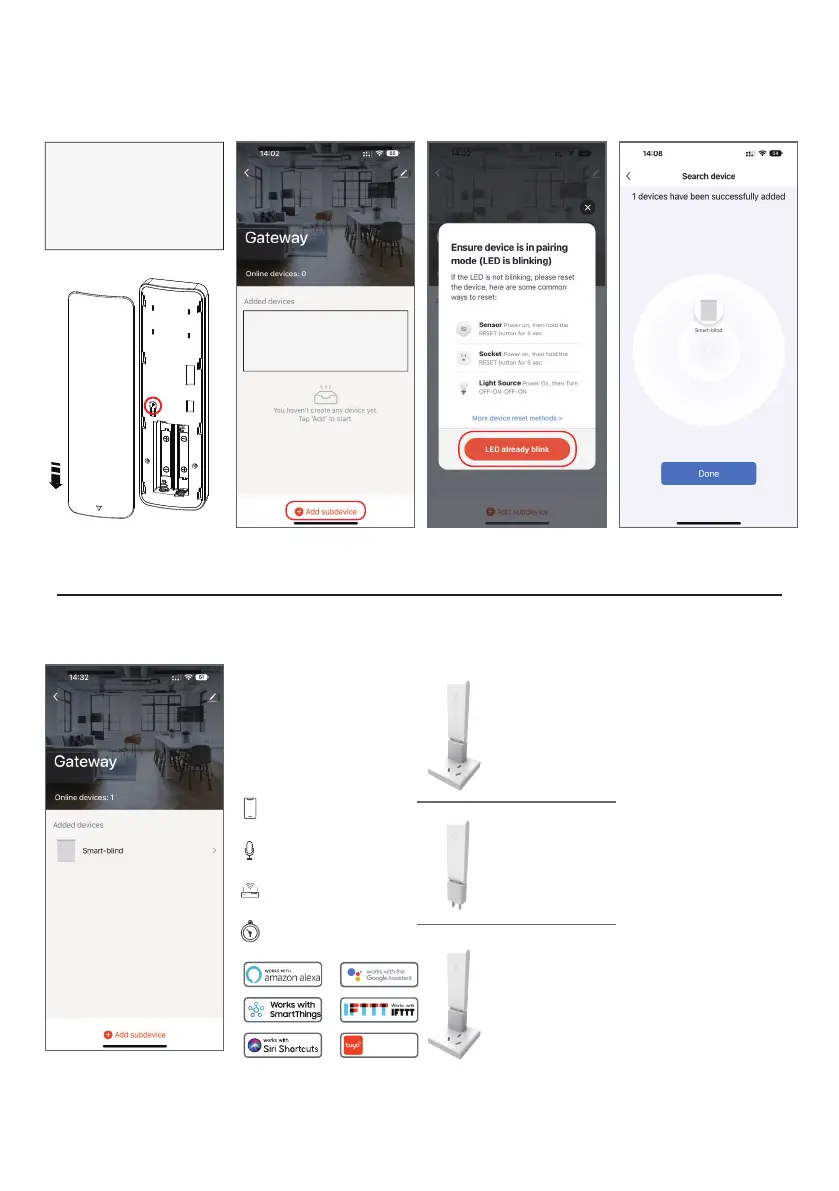
Step 3:
Add subdevice
Motor Pairing:
Press the P button on the back of
the remote 2 times to let shade
enter pairing mode( each time the
button is pressed, the motor will
jog once) and then click “Add
subdevice” on the page.
Or:
Press & HOLD Programming
button on motor head (2sec),
Until the motor jogs once.
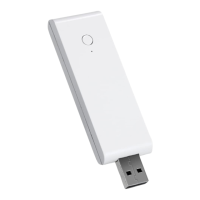
How to reset smart link
2. Disconnect the
power for about 10s
and then turn the
power back on.
1. Press and hold the
reset button for 6s
until the indicator
turns red and then
release the button.
3. The green
indicator blinks
quickly means that
the smart link reset
successfully.
Function is introduced
1. Scene Control
2. Voice Control
3. Group Control
4. Timed
Model:WG01
Connector
433.9MHz
5V 1000mA / 5V 2000mA
2.4GHz
Max 20 motors
Works with
Tuya smart
Gateway parameters


 To Next Page