Instructions for the user
33
5.2 Setting the power
When connecting the oven for the first time, the maximum power absorbed will
appear flashing on the display. If the product is already connected, this will be
in the “OFF” status. In both cases proceed as follows:
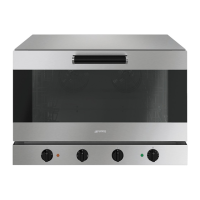
ALFA341
• Turn the knob towards the symbol or to select the maximum power
absorbed by the oven between P15 (15 kW) and P9 (9 kW).
• Once you have selected the power, press the “PUSH” knob to confirm the
selection.
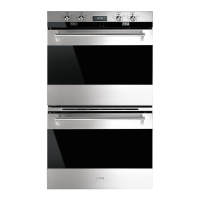
ALFA241
• Turn the knob towards the symbol or to select the maximum power
absorbed by the oven between P8.3 (8.3 kW) and P5.5 (5.5 kW).
• Once you have selected the power, press the “PUSH” knob to confirm the
selection.
The power setting operation must be performed the first time that the oven is
connected.
The value set is stored and used automatically whenever the oven is used
subsequently.
If the product is already connected and you want to modify the absorbed power
setting, from “OFF” status, hold down the “PUSH” knob for at least 3 seconds.
5.3 Choice of programs
This appliance allows you to select 40 cooking programs including:
• 38 programs that can be edited and saved as the user wishes;
• 1 preheating program with delayed start “P39”;
• 1 manual program “P40”.



 To Next Page