10
Use
3.2 Using the oven (Fig. B - Fig. C)
Setting the time
When connecting the appliance for the first
time or after a power failure, the flashing
time
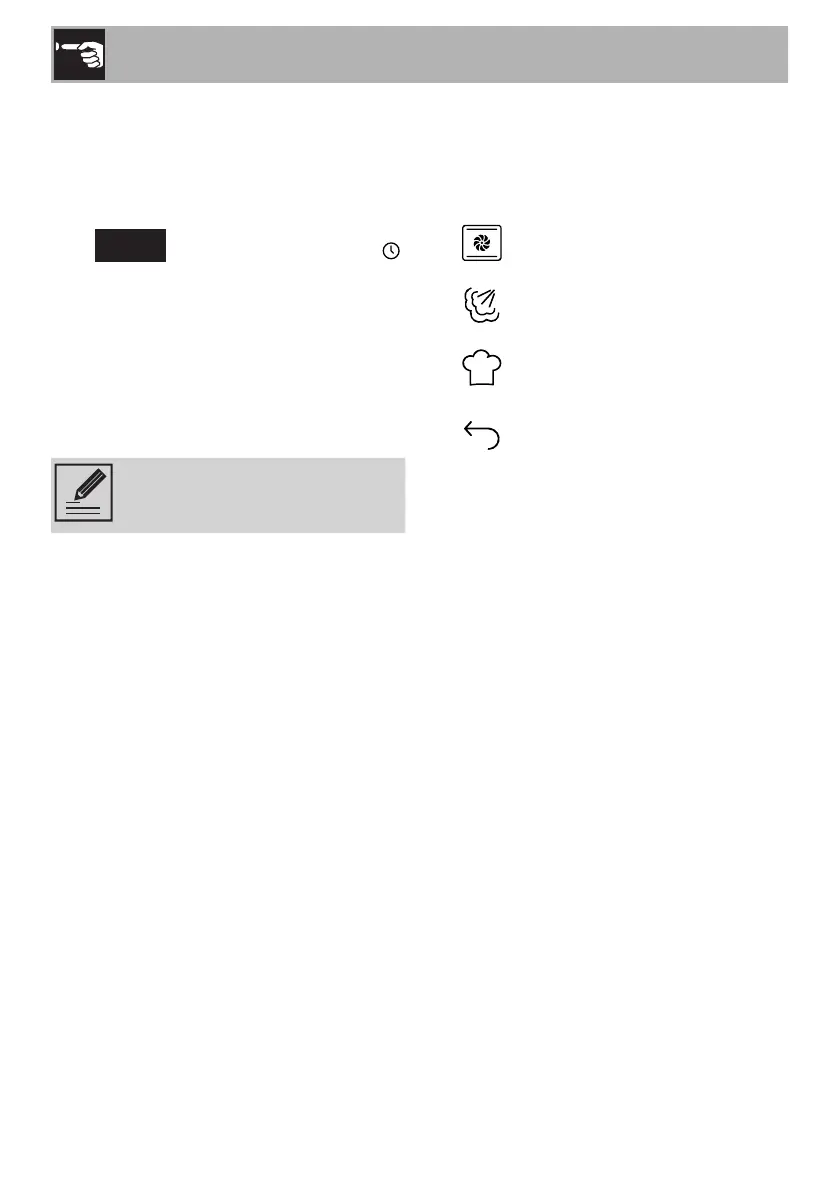
12:00
and the clock symbol
appear on the display. The current time has
to be set in order to start a cooking function:
1) Turn the right knob to set the hour to the
required value.
2) Confirm using the SET button.
3) Repeat the procedure to set the minutes
and confirm the selected time.
To set the current time and/or the
display format (12h/24h) see
“3.3 Settings Menu”.
Selecting the menu and cooking functions
The required menu and, consequently, the
cooking function have to be selected in
order to start using the oven.
Traditional Cooking menu
Steam Cooking menu
Chef Menu
Go back to the previous menu
or level
To select the required menu and function:
1) Turn the left knob until you reach the
required menu.
2) Confirm using the START/STOP button.
3) Turn the left knob to navigate through
the functions available in the selected
menu.
4) If you do not wish to modify the cooking
settings, start cooking using the START/
STOP button.



 To Next Page