15
EN
Use
Modifying the cooking temperature
Setting not available in the Chef
Menu
Before starting the function:
1) Select the menu and the required
function.
2) Turn the right knob to increase to
decrease the temperature (the degrees
indicator flashes).
3) Press the START/STOP button to start
the function.
During cooking:
1) Press the SET button.
2) Turn the right knob to increase to
decrease the temperature (the degrees
indicator flashes).
3) Confirm using the START/STOP button
or wait 5 seconds for cooking to restart
automatically with the new values that
have been set (the degree indicator
stops flashing).
Setting the cooking duration
Setting not available in the Chef
Menu
1) Press the SET button until the timer icon
flashes.
2) Turn the right knob to set the cooking
duration.
3) Confirm using the START/STOP button.
If the cooking duration is changed
while a function is in progress, follow
the instructions above to set the new
values and wait 5 seconds for cooking
to resume automatically with the new
settings.
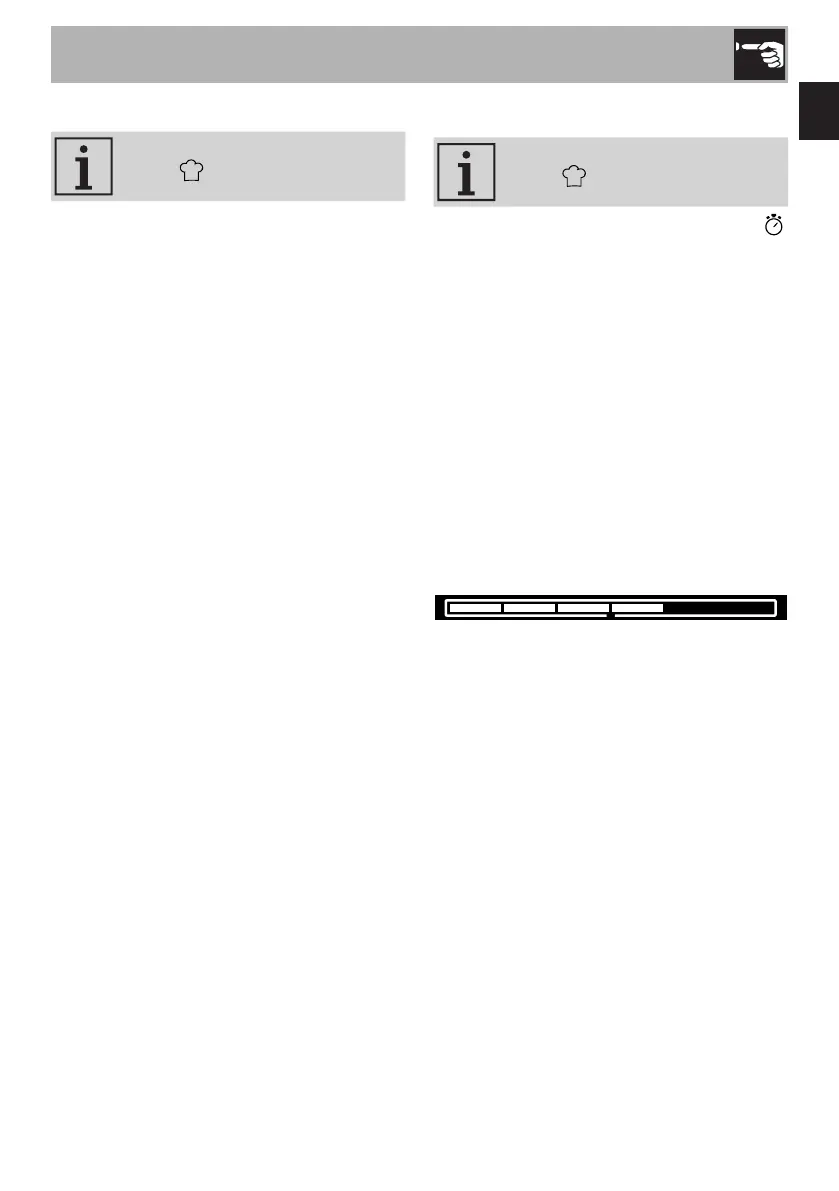
The remaining cooking time is indicated by
the progressive emptying of the progress
bar.



 To Next Page