19
EN
Use
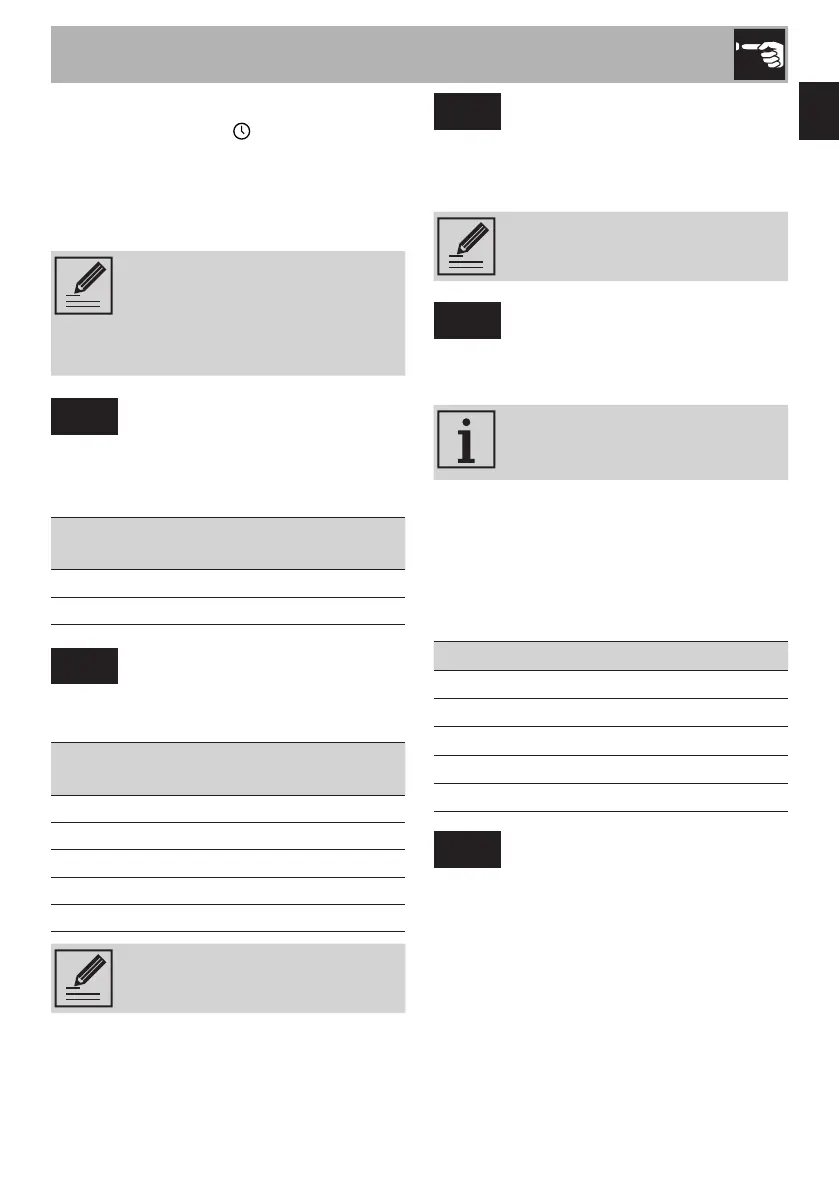
Modifying the time
1) The clock icon appears on the
display and the hours start to flash.
2) Turn the right knob to the required value.
3) Confirm using the SET button.
4) Repeat the procedure to set the minutes.
The set time can always be
changed by accessing the
settings menu and turning the left-
hand knob until the time appears
flashing on the display.
unit
Setting the units of measurement
Set the units of measurement for temperature
and weight (for the Chef Menu) according
to the following table:
Hardness
level
Temperature Weight
EU °C kg
US °F lb
brl
Display brightness
This allows you to select the brightness of
the display according to the following table:
Hardness
level
Display brightness
1 25%
2 35%
3 50%
4 70%
5 90%
The factory default Display
brightness function is set to 5.
ELCd
Display ECO function
If enabled (On), it allows the brightness of
the display to be lowered automatically
when the oven is in clock mode.
It has no effect if the brightness
of the display is already set to 1.
HArd
Water hardness
Allows you to set the level of water hardness
in order to optimise the descaling process.
The factory default water
Hardness function is set to
medium 3.
The frequency with which you are promoted
to run a descaling cycle depends on the
water hardness setting.
The number of hours of use of the steam
functions, at the end of which descaling will
be requested, is as follows:
Hardness level Hours
1 18
2 12
3 9
4 6
5 4
dESC
Descaling
If enabled (On) it allows you
to start a descaling cycle
(see “4.1 Descaling (Fig. E)”.



 To Next Page