83
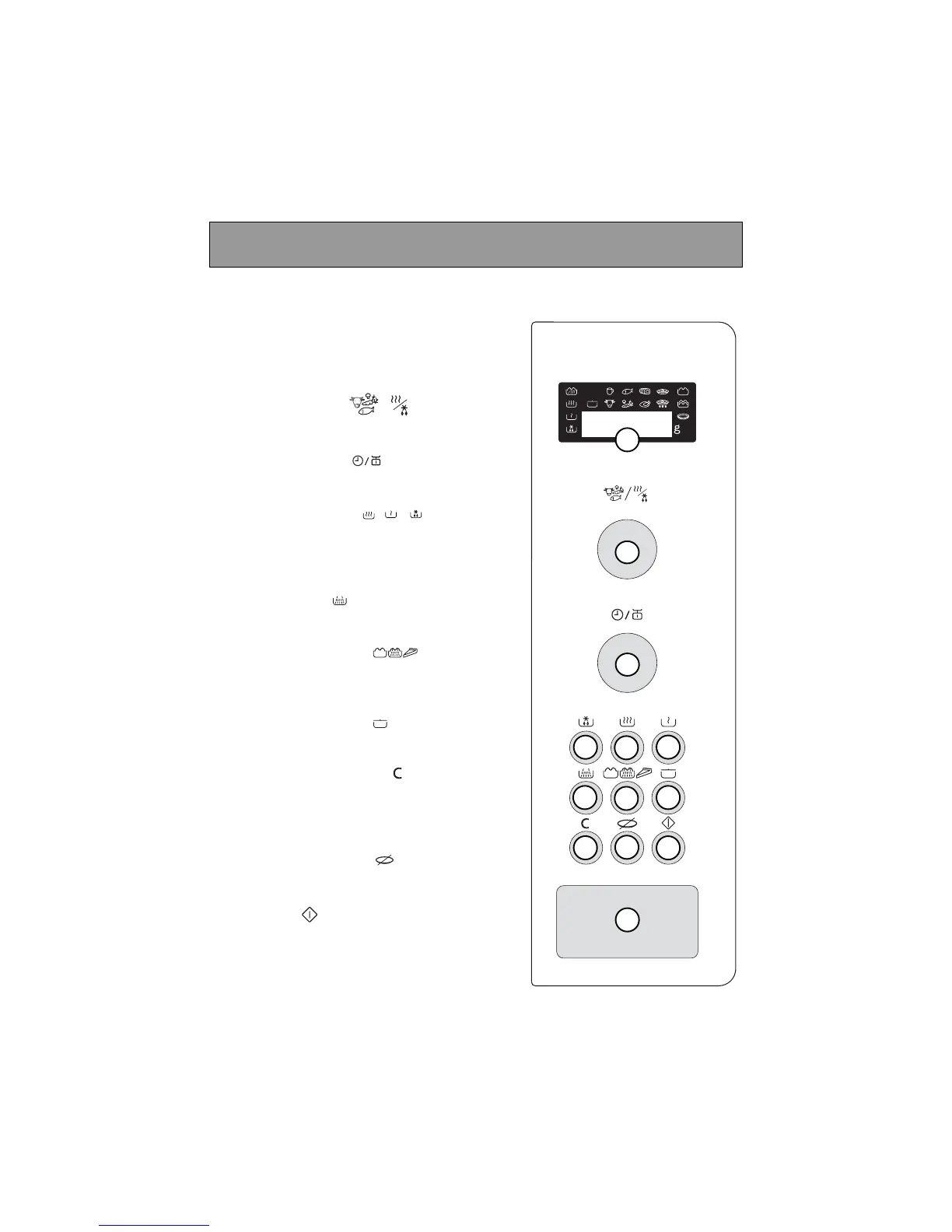
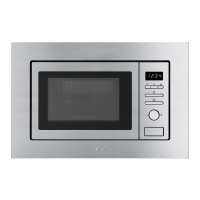
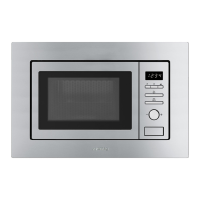
Control panel
A Display window :
to simplify programming, the display indi-
cates : the time of day, the types of food
and functions, the minutes / seconds, or
weight programmed.
B The selector knob :
to choose the food type or function.
C The selector knob :
to choose the programme time or weight.
D-E-F The “AUTO” keys :
automatically set the appropriate pro-
gramme time according to the weight
and the selected food type.
G The MODE key :
to choose the appropriate function.
H The GRILL/PIZZA key :
to directly programme the grill / microwave
+ grill / pizza function.
K The KEEP WARM key :
to keep your dish warm.
J The PAUSE/CANCEL key :
to interrupt (press once) or cancel a pro-
gramme (press twice).
Also used to set the clock.
K STOP-TURNTABLE key :
to stop the turntable from revolving.
L START key :
to start all programmes.
M DOOR OPEN button :
press this button to open the door or stop
the appliance.


 To Next Page