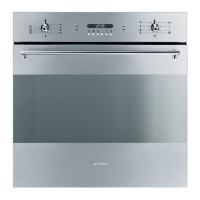
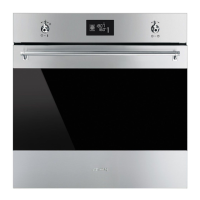
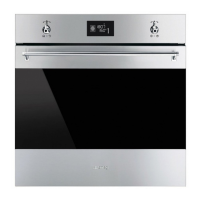
Description
59
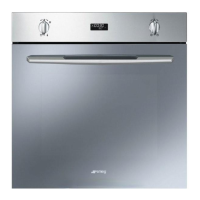
2.2 Control panel
1 Programming knob
This knob can be used to select:
• The cooking temperature
• The duration of a function
• Programmed cooking procedures
• The current time
• The turning on or off of the light inside the
appliance.
2 Display
Displays the current time, the selected
cooking temperature, power and function
and any time set.
3 Function knob
This knob can be used to:
• Turn the appliance on and off
• Select a function
• Temporarily start or stop a function.
Press and hold the function knob
down for around 3 seconds to
immediately terminate any cooking
operation.


 To Next Page
 Loading...