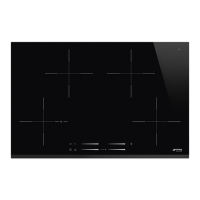
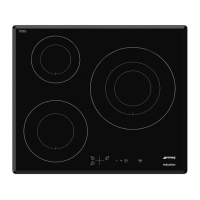
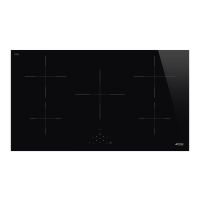
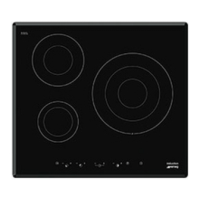
EN8
Control Panel Description
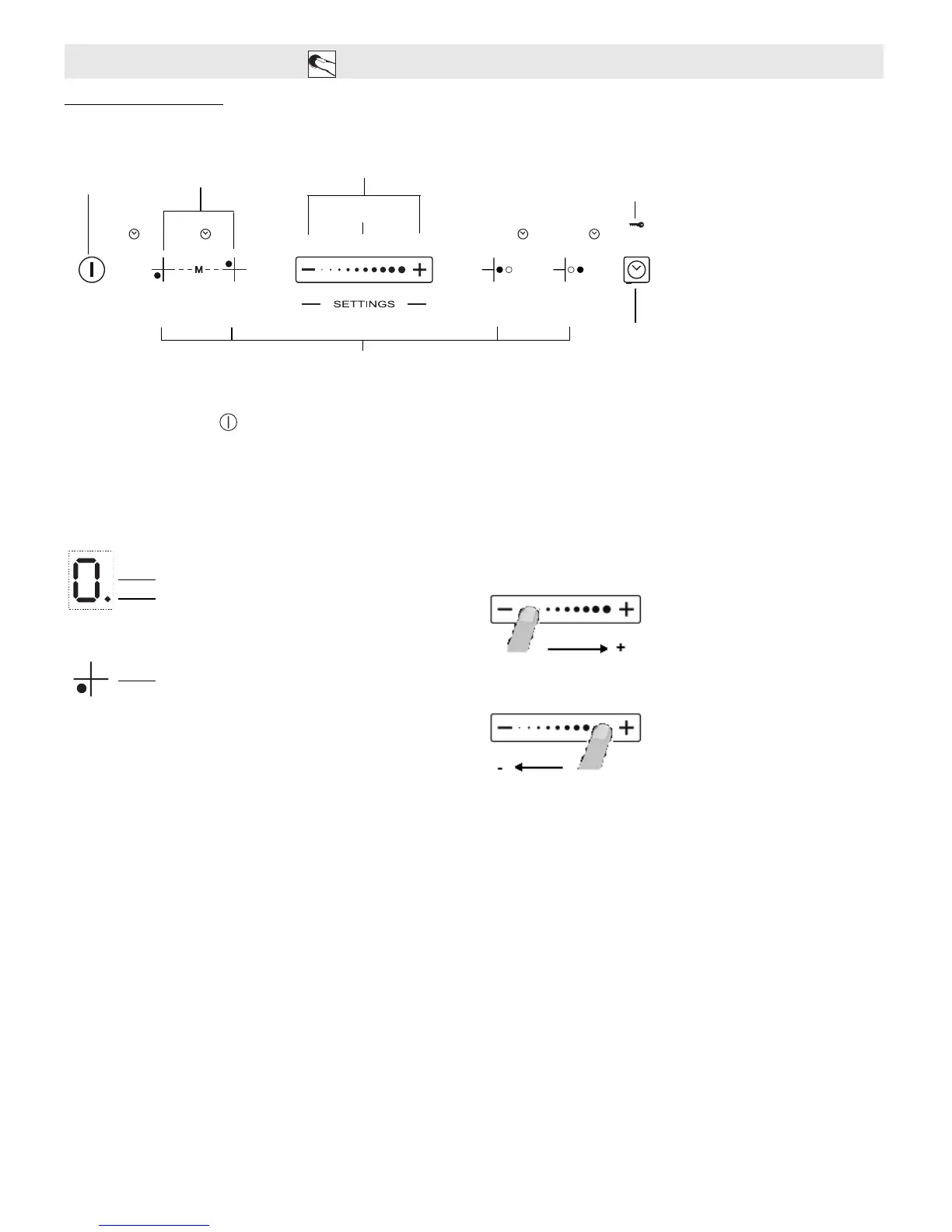
Control panel
Switching the hob ON/OFF
To switch the hob on, press the button for approx. 2 seconds until the cooking zone displays light up. To switch off, press the same button until the displays switch
off. All the cooking zones are deactivated.
If the hob has been in use, the residual heat indicator “H” remains lit until the cooking zones have cooled down.
If within 10 seconds of switching on, no function is selected, the hob switches off automatically.
Switching on and adjusting cooking zones
After switching the hob on, activate the required cooking zone by pressing the corresponding circular button and place the pot on the zone. With the Slider control it
is possible to select the required power level, from min. 0 to max. 9, or booster “P” if available.
To increase the power level, slide your finger on the slider from left to right several times; to decrease it, slide in the opposite direction. Alternatively the “+” and “-”
quick access buttons can be used.
Deactivation of cooking zones
To switch off the cooking zone, press the corresponding button for more than 3 seconds.
The cooking zone switches off and, if still hot, the letter “H” appears on the zone display.
INSTRUCTIONS FOR USE
Control panel lock
Cooking zone controls and corresponding display
On/Off
“Flexicook model” (when available)
Quick access
Slider
ECO-logic/Timer/Lock function
button


 To Next Page