EN
10
22
/ USING YOUR APPLIANCE
••
START
Press the start/stop button for the desired
zone. A blinking ”O” and a beep indicate the
zone is on. You can now set the power level.
If you do not, the zone will shut off automati-
cally after a few seconds.
STOP
Press the start/stop button for the desired
zone or the corresponding “
--
” button until ”O”
is displayed.
CONTROLS
••
••
••
POWER LEVEL
Press the “
++
”or “
--
” power level buttons.
When switching on your hob, you can imme-
diately skip to level 12 by pressing“
--
”.
DEFINING PRESET LEVELS
You can modify power levels for preset but-
tons, but not for power boost buttons.
- The cooking zone must be off.
- Press and hold down the or button.
- Choose the new power level with the “
++
”
and “
--
” buttons.
- Wait for a beep heard shortly after.
N.B.:
Power levels must be between :
- 1 and 7 for the first button.
- 8 and 12 for the second button.
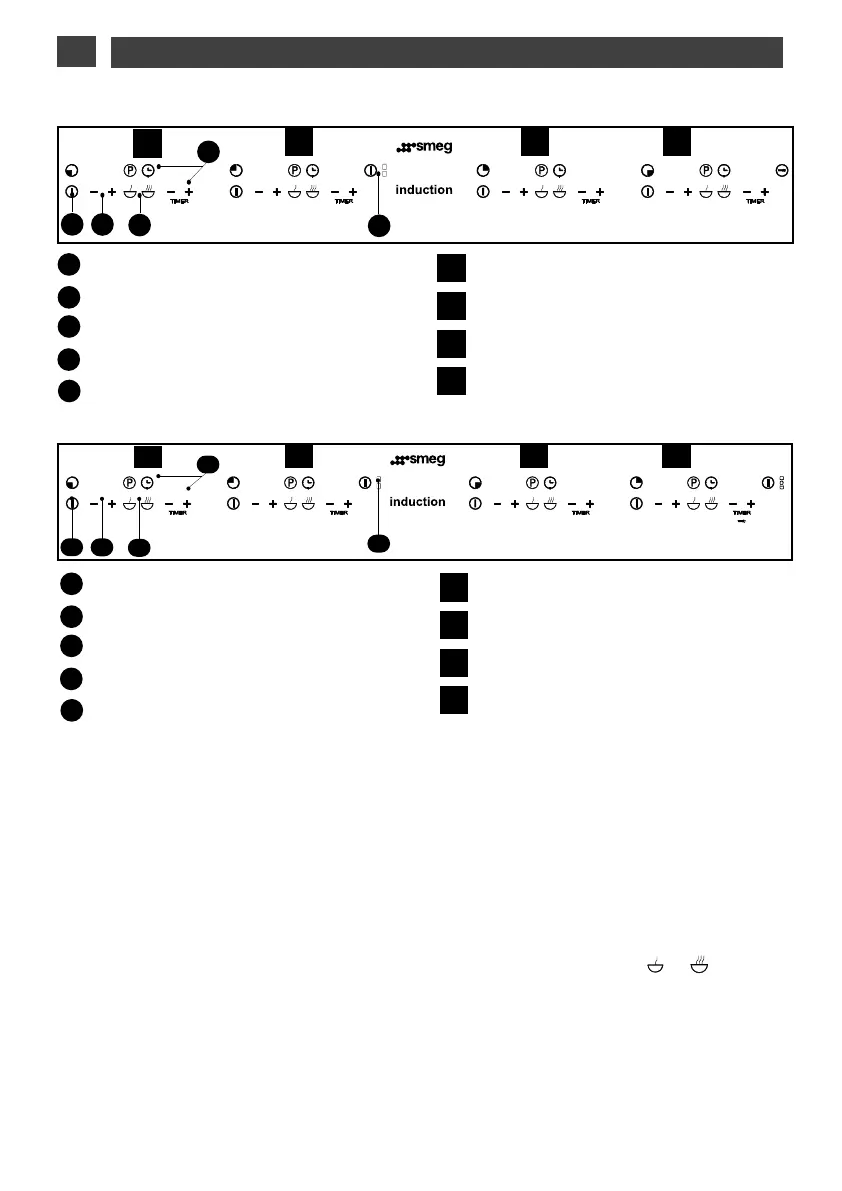
Start/stop button
Power level buttons.
Preset power level buttons
Timer buttons.
Full 4600 W cooking zone button
A
B
C
D
E
1
2
3
4
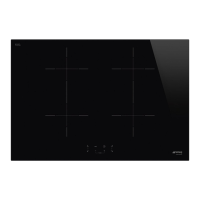
Front cooking zone
Rear cooking zone or full cooking zone
21 cm zone
16 cm zone
•
•
A
B
C
E
1
2 3 4
D
SIM61B-SIM91B
A
B
C
E
1
2 3 4
D
SIM62B-SIM942B
Start/stop button
Power level buttons.
Preset power level buttons
Timer buttons.
Full 4600 W cooking zone button
A
B
C
D
E
1
2
3
4
Front cooking zone
Rear cooking zone or full cooking zone
Front cooking zone
Rear cooking zone or full cooking zone



 To Next Page