16
www.smith-root.com
LR-24
BACKPACK ELECTROFISHER
If you select more burst pulses than possible at the
selected cycle frequency (the low frequency), the LR-24
will automatically increase the burst frequency (the high
frequency), to allow the selected number of pulses to be
output. The LR-24 will not allow users to choose a burst
frequency that is too low to produce the number of pulses
that have been selected at the cycle frequency selected.
The following example demonstrates how to set up a Burst
of Pulses:
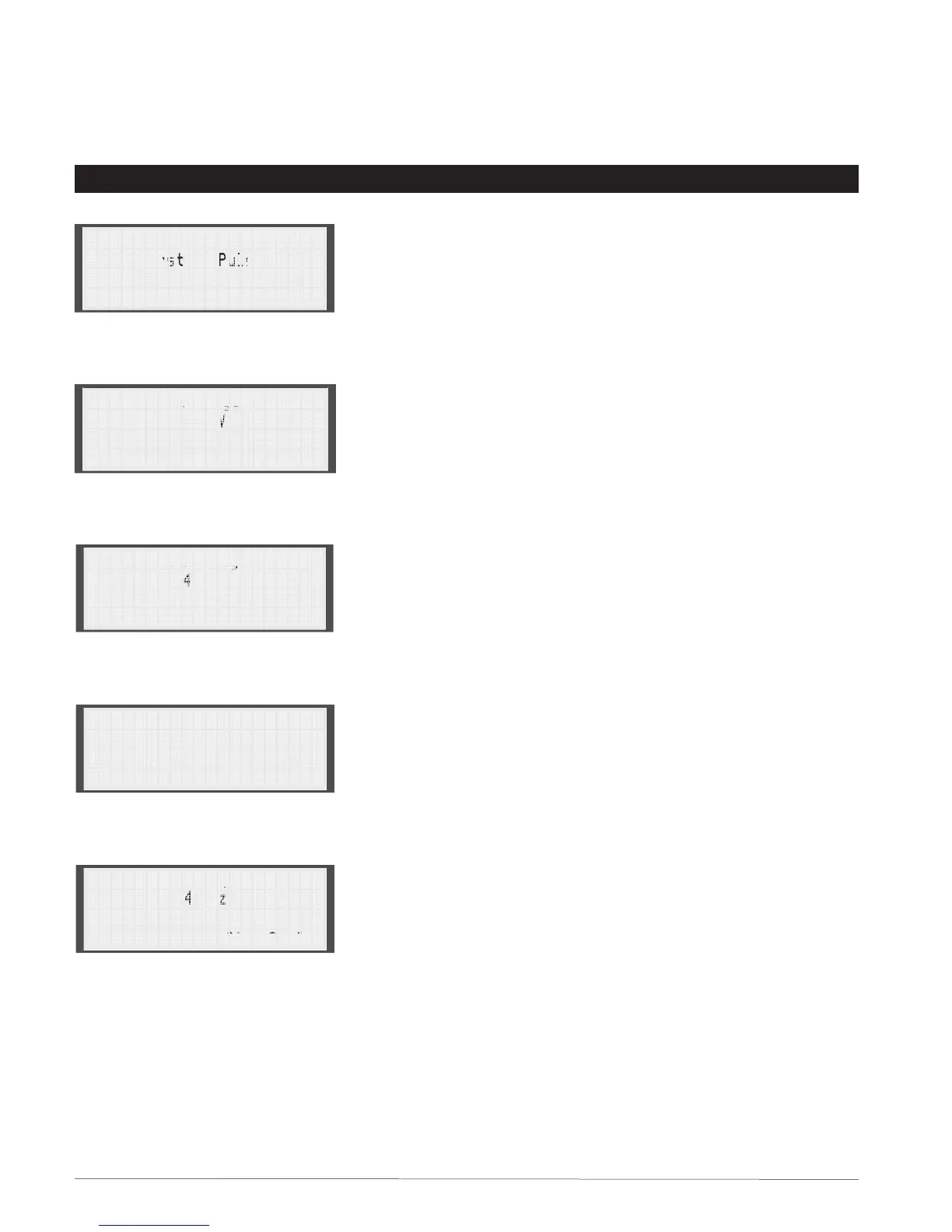
1. Press the Pulse Type key on the front of the LR-24. Use
the Arrow keys to select Burst of Pulses for the new
pulse type. The display will look like Figure 2.25.
2. Press the Enter key.
3. Press the Volts key and use the Arrow keys to set the
voltage (Fig. 2.26), then press the Enter key.
4. Press the Freq. key and use the Arrow keys to set the
cycle frequency
(Fig. 2.27)
, then press the Enter key.
5. Press the Duty Cycle key and use the Arrow keys to set
the number of pulses
(Fig. 2.28)
, then press the Enter key.
6. Use the Arrow keys to set the burst frequency (Fig.
2.29), then press the Enter key.
7. Use the Arrow keys to set the duty cycle of the burst
pulses (Fig. 2.30), then press the Enter key.
8. You can now use the Arrow keys to review the settings
for the burst of pulses (Fig. 2.31).
Output Pulse Type
Burst of Pulses
Fig. 2.25
Voltage
150V
Fig. 2.26
Frequency
40Hz
Fig. 2.27
Pulses/Burst
5
Step 1 of 3
Fig. 2.28
Burst Frequency
400Hz
Step 2 of 3
Fig. 2.29
SECTION 2: DISPLAY PANEL (CONT.)


 To Next Page