HOTLINE
®
Blood and Fluid Warmer Technical Service Pack
66
SECTION 5
HL-90 Service Test Specification
Alarm Test Switch
[i] Depress the General Alarm Test switch.
[ii] The “Operational” or “Warming” LED should turn off. All
“Alarm” LED’s should be flashing and the alarm must be
audible.
[iii] Release switch and the system should become operational
again.
Check Float Switch
[i] To check float switch, remove the fill port cap and depress
the float switch (which is located inside the reservoir) with a
non-magnetic float switch probe.
[ii] The “Recirculating Solution Level” warning LED should light
and the alarm will be audible. The Green “Operational” LED
and the pump should turn off.
[iii] Release the float switch and the system will once more
become operational.
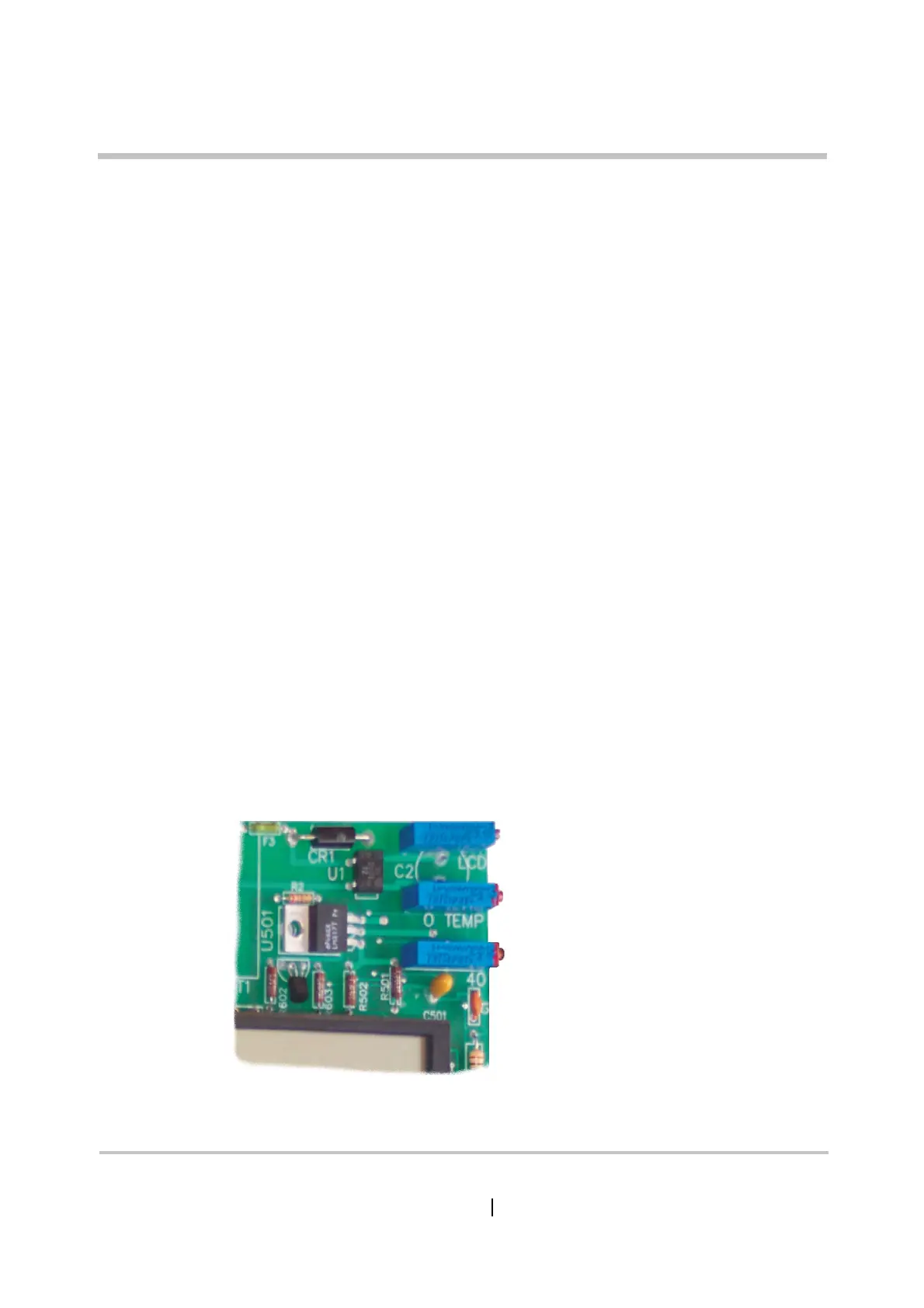
Set Recirculating Solution Temperature
Used to align the displayed
temperature with the actual
water temperature
LCD
O TEMP
H2O
Adjusts the set point for
the Over Temperature Alarm
Sets the operating point of
the temperature control circuit
On older pumps this may be
labelled “40” as shown here.
LVL1-HL90_8504-GB-A
Figure 5 - 6: Purpose of the Pots


 To Next Page