User interface
1. Main
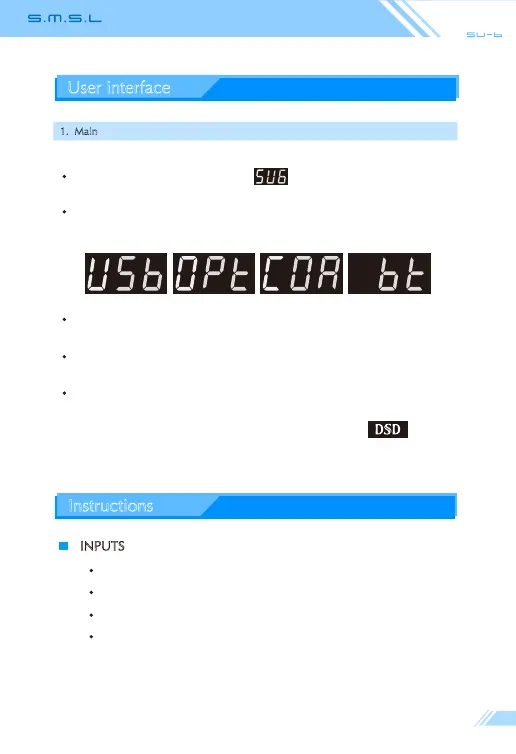
When it is turned on, it will show
When switching input will be displayed (Press the "Input Select" key on
the remote control or press the "Power Function" key for input selection)
When adjusting the volume, the volume is displayed.
When muted, the current volume flashes.
When it played, the current audio file sampling rate will be displayed.
Note: when playing music is DSD format, it will display .
Instructions
INPUTS
USB
OPTICAL
COAXIAL
BLUETOOTH



 To Next Page