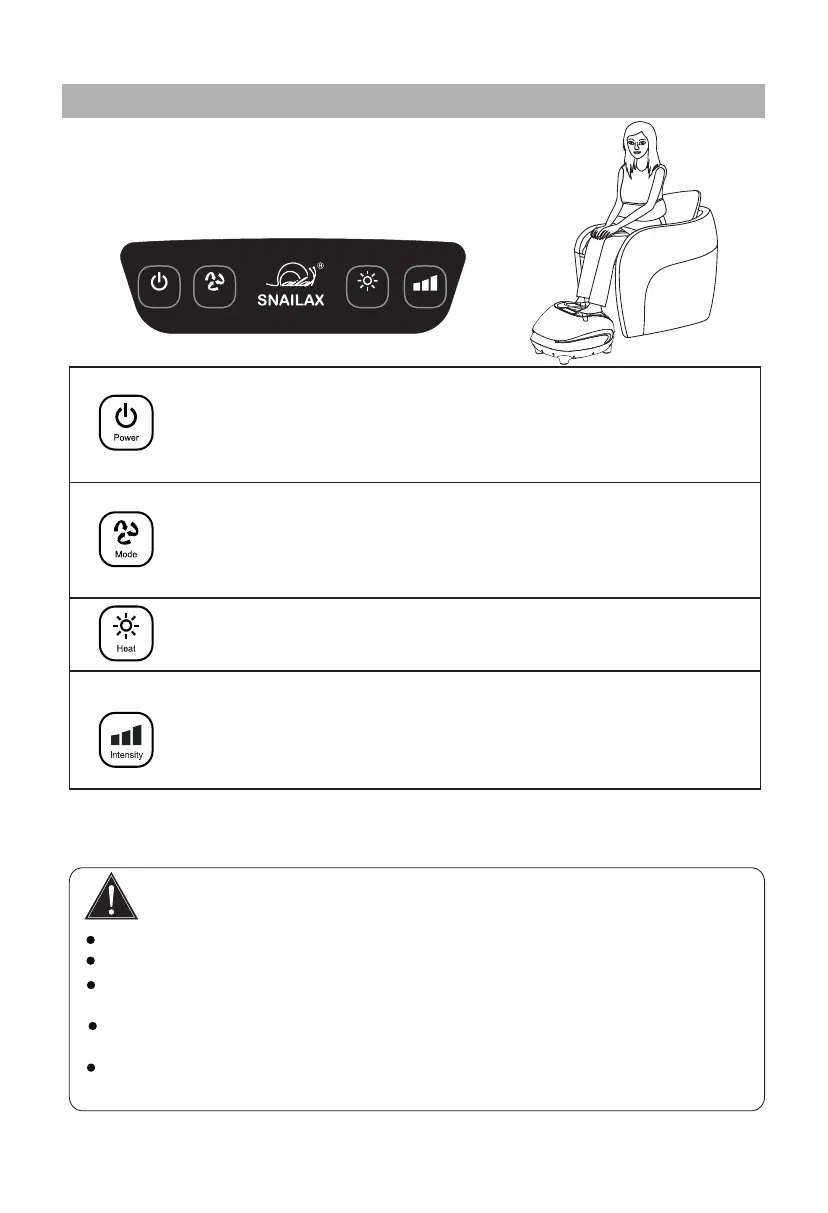
Controller Instrucons
Heat
Power
Mode
Intensity
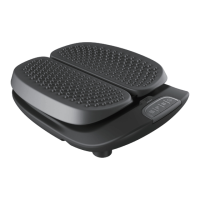
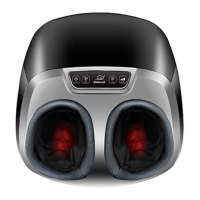
Please choose a chair with desired height and be seated,
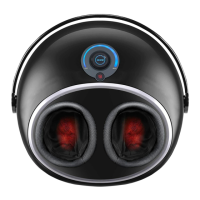
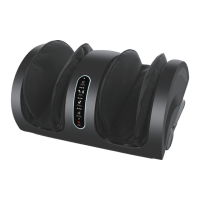
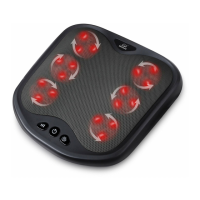
then put your feet into the product ( see right picture).
Operate below control panel to get foot massages.
•
5
When power failure happens during massage, please turn off the power and
pull out of the plug from socket.
Please do not let your hand or fingers close to and inserted into the gap of products
for prevenng any injuries caused.
Please do not let children and pets play the products for prevenng any
accident happened.
Caution
Please don’t put water or other liquid on the control panel.
Please don’t press the buon too long me at a me to avoid the program confused.
Power Buon
Press to turn on the massager, the indicator light turns red.
The massager automacally acvate the default sengs i.e.
the massager works on Mode 1 and on Low intensity.
Press again to turn off the massager.
Mode buon
Press to change the Mode between Mode 1 to Mode 3.
Mode 1 --Indicator light turns red
Mode 2 --Indicator light turns blue
Mode 3 --Indicator light turns blue & red
Heat Buon
Press to acvate the Heat funcon, the indicator light turns red.
Press again to turn off the Heat
Press to choose Low, Medium or High intensity of air pressure.
Low intensity -- Indicator light turns blue
Medium intensity -- Indicator light turns red
High intensity --Indicator light turns blue & red
Intensity Buon for Air pressure
Turn of f the power buon on the control panel.
Aer use
•
Remove the plug from the power supply socket.•


 To Next Page