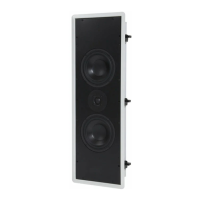
WALL MOUNTING YOUR SR7 SURROUNDS
Surround Processor Settings
When using a subwoofer:
Select the SMALL or NORMAL surround set-
ting on your or processor. This routes all bass
information (typically below 100Hz) from the
surrounds to your subwoofer.
When not using a subwoofer:
Select the LARGE surround setting on your
receiver or processor. This routes all bass
information to your surrounds.
Match the Sound Levels of Each
Speaker
Your home theater system most likely includes
a test signal that simplifies level matching.
Refer to the instructions provided with your
surround sound electronics.
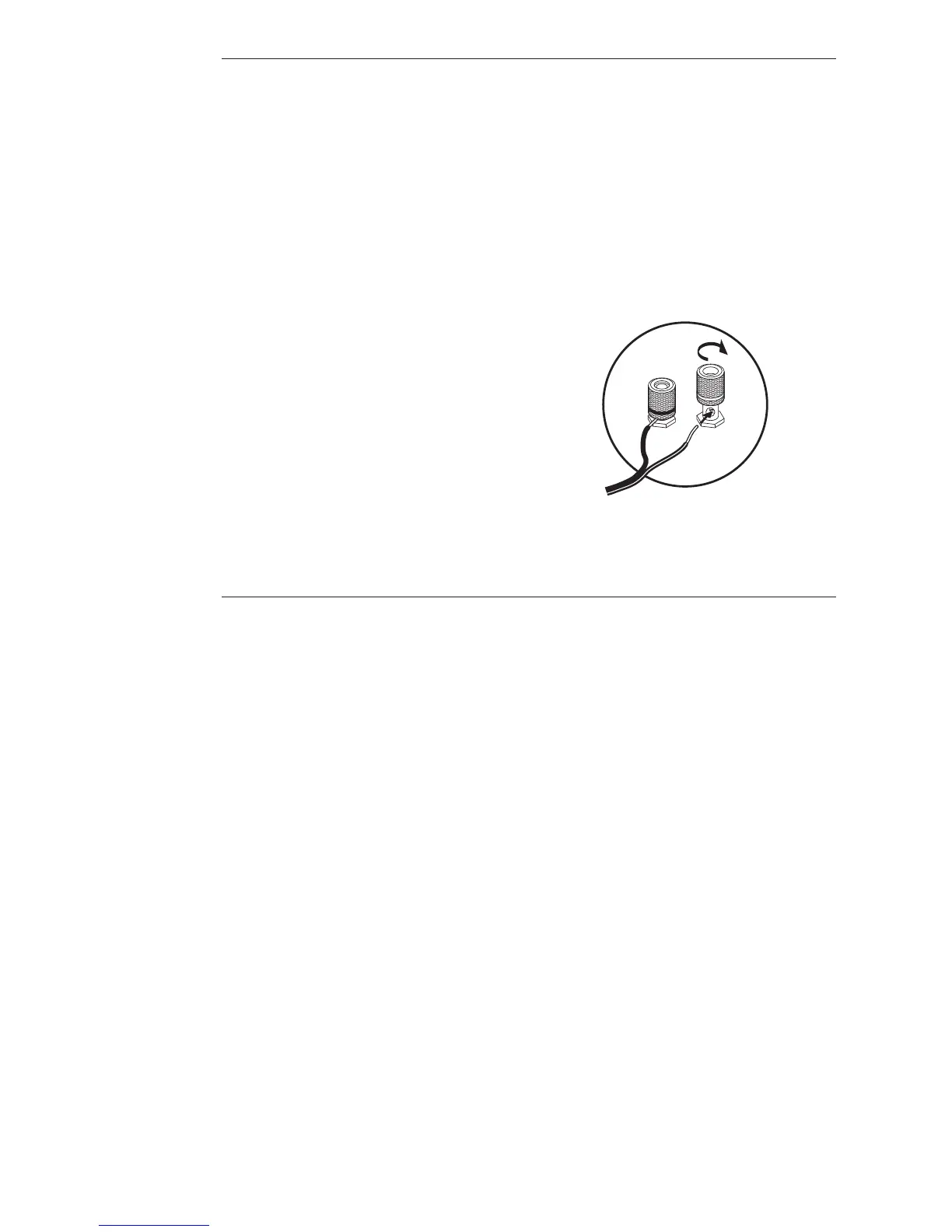
Connecting with Bare Wire
Insert bare wire into holes and tighten.
Connecting with Banana Plugs, Spade
Lugs, or Pins
The binding posts accept standard banana
plugs and pins, and can accommodate spade
lugs up to
5
⁄16-inch.
Warning!
To prevent electrical shock, always
switch off the amplifier or receiver when making
connections to the speaker system.
SR7 OPERATION AND USE
The diffuse mode is most appropriate when
the inability to localize sound is desirable.
This should be perceived as a ”wall-of-sound.”
Music with side channels encoded with hall
effects will produce a feeling of envelopment.
Surround encoded baseball games will be
heard as if the stadium were all around, with
no clear source of off-the-field, realism-en-
hancing effects.
Both music and movies will have instances
when either ”direct” or ”diffuse” surround
sound will suit. Music recordings with musi-
cians in the side channels will most likely
sound best in ”direct” (refer to Fig. 1B). How-
ever, if the side channels are used to record
the performance environment or audience
sounds, the ”diffuse” mode may be best.
Similarly, with movie soundtracks, some pro-
ducers will use side channels to pan discrete
sources off-screen (e.g., jet fly-bys, etc.). This
material will be well served with the ”direct”
mode. Other movies will use the side channels
to transport you to a remote environment
with street noises, crowd noises, etc. These
may be best reproduced in ”diffuse” mode.
The surround mode switch is conveniently
located under the right side of the grille to
allow easy access. Swing the right side of the
grille outward to reveal the switch. It is locat-
ed midway up the cabinet within the matrix
driver recess. Refer to the switch diagram (on
the top-right panel of the speaker) and the
figures to determine the appropriate setting.
SR7 provides a unique experience with its
ability to produce multiple polar patterns.
You should take some time and experiment
to best adapt this surround speaker to your
listening habits.


 To Next Page